



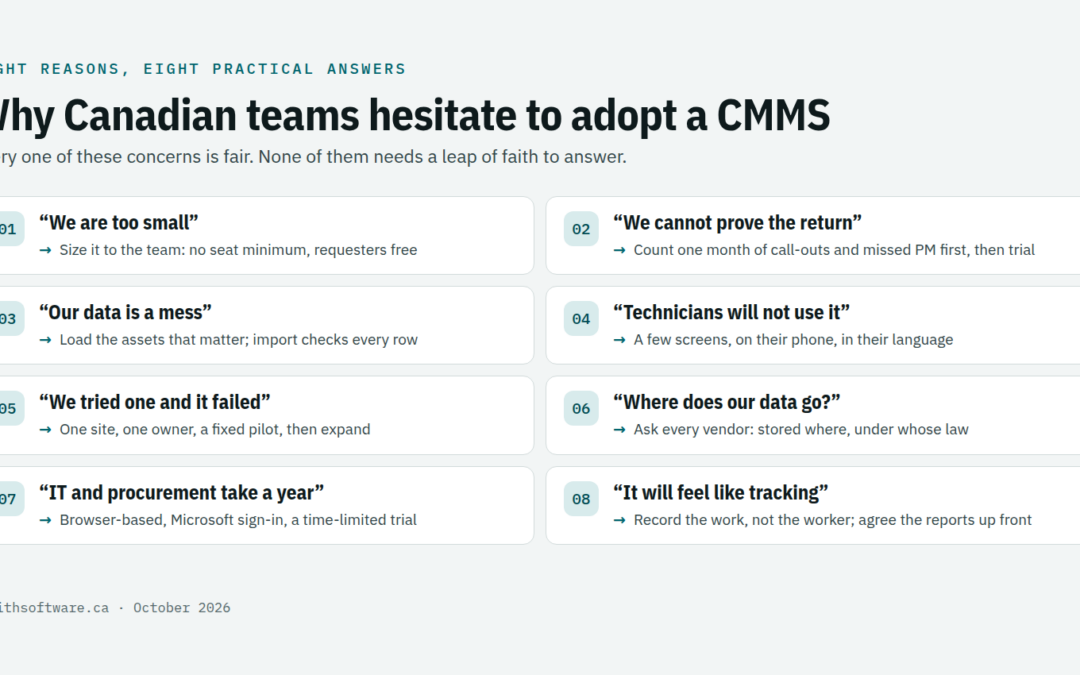
Plenty of Canadian maintenance teams know they should adopt a CMMS and still have not. Work orders live in email, preventive maintenance lives in someone’s head, and the asset list is a spreadsheet three people have edited differently. Nobody thinks this is ideal. Yet the decision keeps sliding to next quarter.
That hesitation is usually reasonable. This article names the eight reasons we hear most often from Canadian organizations, explains what sits behind each one, and sets out what actually lowers the risk. It ends with a 30-day way to find out, on your own work, whether a CMMS is worth it.
Why the hesitation to adopt a CMMS is reasonable
Most Canadian organizations are small. Of the 1.1 million employer businesses in Canada, 98.2% had fewer than 100 employees at the end of 2024. Their maintenance team is often two or three people, and the person who would run a new system is the same person fixing the boiler.
The obstacles Statistics Canada’s Survey of Advanced Technology records for Canadian businesses will sound familiar too. They include recruiting qualified staff, integrating with existing systems, data security and privacy, a long payback period, and a lack of training. None of those is irrational. The trick is to see which ones a CMMS actually raises, and which ones it removes.
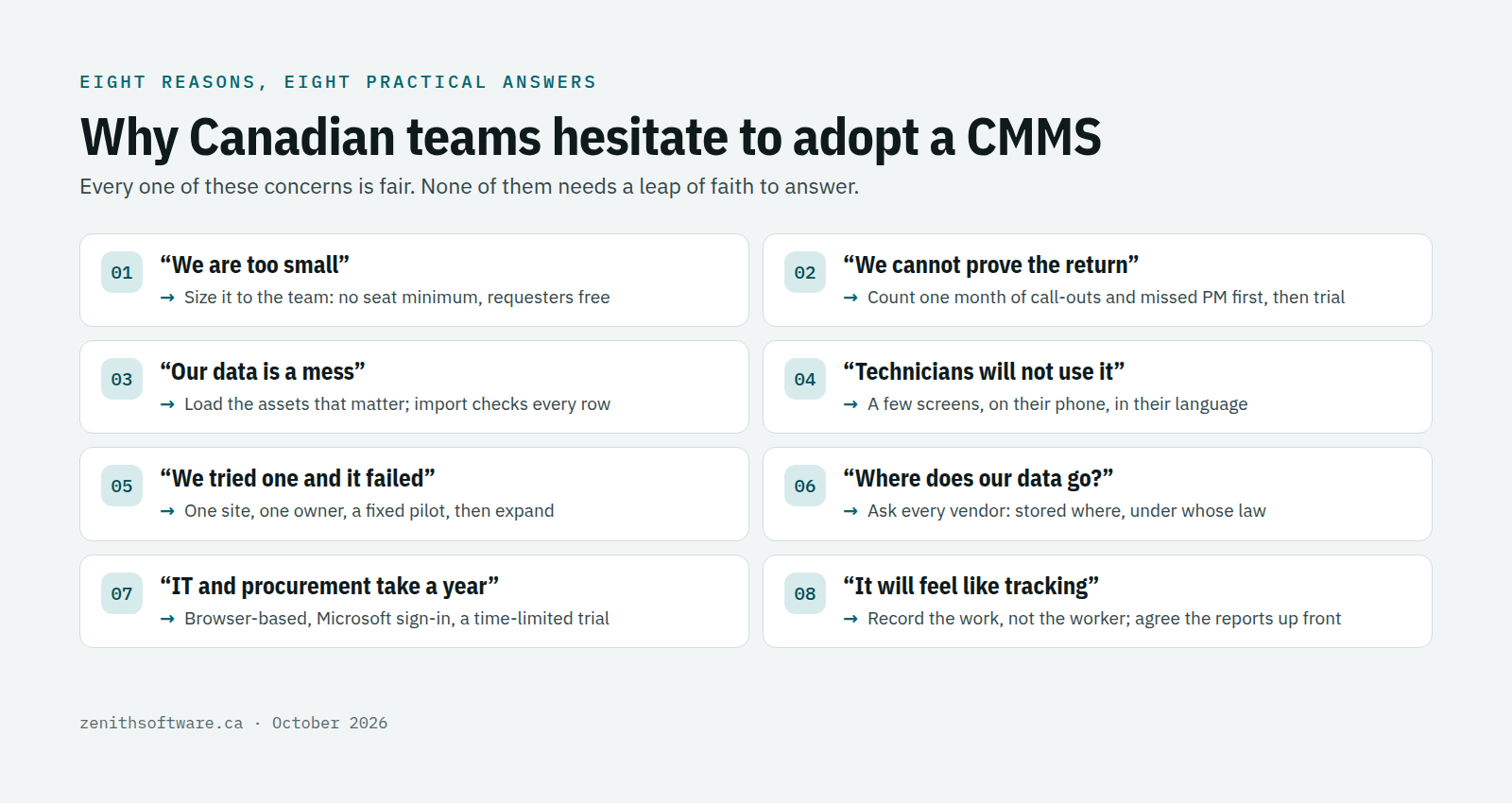
Eight reasons Canadian teams hesitate to adopt a CMMS
1. “We are too small for a CMMS”
What sits behind it: the picture of a CMMS as a large-enterprise project with consultants and a six-month rollout. What helps: a system you can size to a two-person team. In Zenith, the Basic edition has no seat minimum, and requesters, view-only users and contractors are free. A small school or office can open requesting to every staff member and pay only for the people who do the work.
2. “We cannot prove the return”
What sits behind it: maintenance costs hide in overtime, emergency call-outs, rush parts and equipment replaced early. Nobody sees them in one place. What helps: measure before you buy. Count one month of emergency work orders, contractor call-outs and missed PM. Those numbers become your baseline, and a trial on real work shows whether they move. Monthly billing in Canadian dollars, with the price fixed for 24 months, keeps the first year’s cost predictable.
3. “Our data is a mess”
What sits behind it: a decade of spreadsheets with duplicate assets and inconsistent names, and the fear that the system will expose it. What helps: start with the assets that matter, not every asset you own. Zenith’s import from Excel lets you map your columns and checks every row before it is saved, and our team can do the cleanup with you. Our article on CMMS vs Excel explains why spreadsheets drift in the first place.
4. “Our technicians will not use it”
What sits behind it: past tools added screens without removing work. Technicians reasonably resent typing on a phone with gloves on. What helps: keep it to the few screens a technician needs, on the phone they already carry, in their own language. There is also a quieter reason to start: RBC estimated that over 700,000 skilled tradespeople would retire by 2028. Every closed work order with a note on what was done keeps a little of that knowledge when they leave.
5. “We tried one before and it failed”
What sits behind it: a system bought for every department at once, loaded with poor data, and abandoned when the champion left. What helps: small scope and a named owner. One site, one team, real work for a fixed pilot, then expand. Our list of CMMS implementation challenges covers the usual failure points.
6. “Where does our data go?”
What sits behind it: privacy officers and IT teams who have been burned by foreign-hosted software, and provincial rules for public bodies. What helps: asking every vendor where the data is stored and whose law the contract follows. Zenith keeps each customer in its own database on Microsoft Azure in the Canada Central region, on a contract with a Canadian company. Our guide to switching CMMS software in Canada covers the privacy rules in more detail.
7. “IT and procurement will take a year”
What sits behind it: experience of on-premises software that needed servers, installs and a security review for each one. What helps: a browser-based system with nothing to install and Microsoft sign-in, which removes most of the IT work. For public bodies, start the procurement conversation with a small, time-limited trial instead of a full tender, and let the results shape the requirements.
8. “Our team will see it as tracking”
What sits behind it: a fair worry, especially in unionized workplaces, that a CMMS becomes a stopwatch. What helps: say plainly what the system is for. It records the work and the asset, not keystrokes or locations. Agree up front which reports will be used and by whom, and set roles and permissions so people see what they need. In Quebec, French throughout is part of that respect, and our guide to Quebec’s French language law and maintenance documents explains the rules.
A low-risk way to adopt a CMMS in 30 days
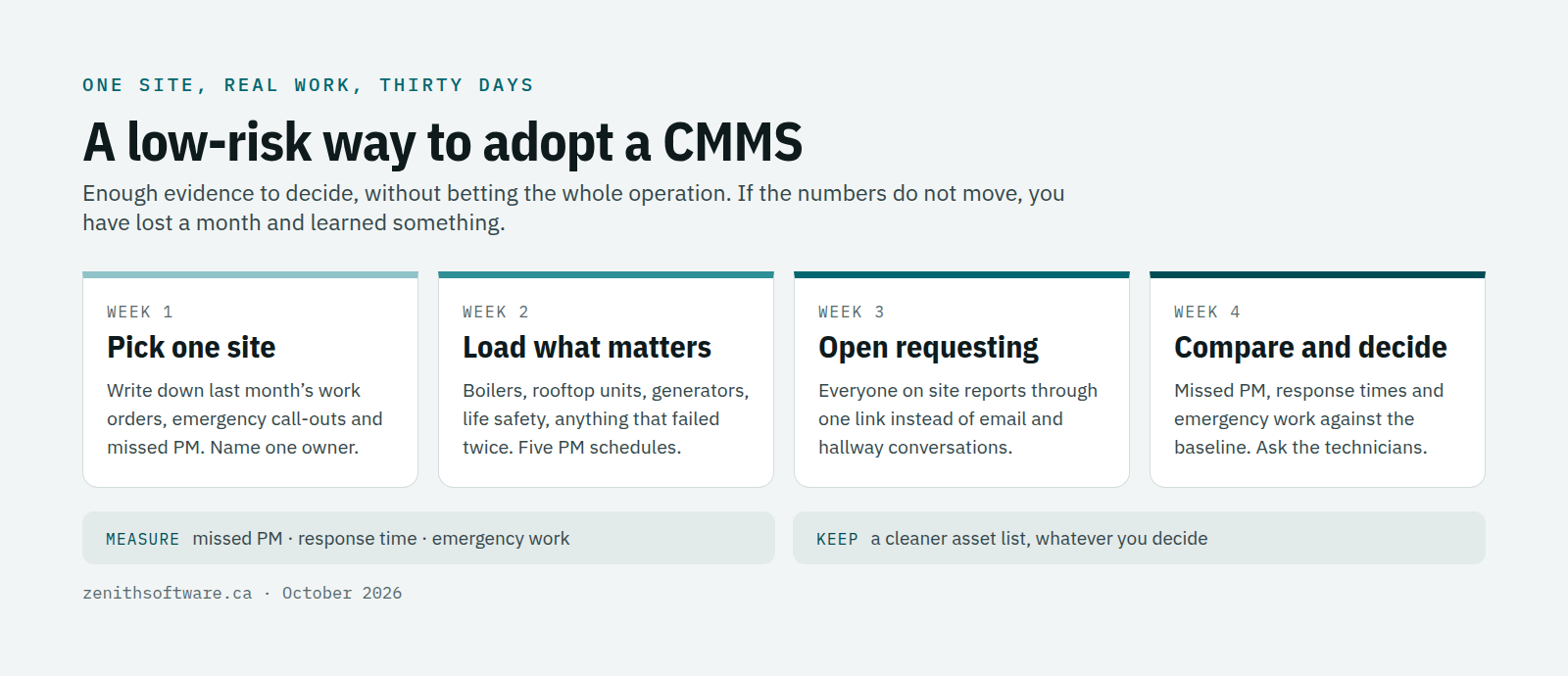
The safest way to decide is to run a CMMS on real work for a month, at one site, and compare the numbers. Here is the plan we suggest.
- Week 1: pick one site and write down the baseline. Count last month’s work orders, emergency call-outs and PM tasks that slipped. Name one owner for the trial.
- Week 2: load only the assets that matter. Boilers, rooftop units, generators, life-safety equipment and anything that has failed twice. Set up the five PM schedules you most often miss.
- Week 3: open requesting to everyone on that site. Staff report problems through one link instead of email and hallway conversations, and the team works the queue.
- Week 4: review the numbers and decide. Compare missed PM, response times and emergency work with your baseline, and ask the technicians what they would keep.
Week 1 needs no software at all, so a free two-week trial covers weeks 2 and 3, and week 4 is the review. If the numbers do not move, you have lost a month and learned something. If they do, you have a working system for one site and a pattern for the rest.
How Zenith lowers the risk to adopt a CMMS
- A free two-week trial on your own data, with nothing charged until you decide to continue.
- Start small, grow later. Basic has no seat minimum, and moving up or down between editions never deletes your records. See the editions and prices.
- Free requesters and contractors on every edition, so opening the system to everyone costs nothing extra.
- We do the setup with you. Our team can import your spreadsheets, set up Microsoft sign-in and train your people in English and French.
- Hosted in Canada, priced in Canadian dollars, on a Canadian contract with 60 days’ notice to cancel before renewal.
Not sure which level you need? Our guide on how to choose a CMMS edition for your industry walks through it sector by sector.
Questions people ask before they adopt a CMMS
Is a CMMS worth it for a team of two?
Often, yes, because a team of two has the least time to lose. The benefit shows up as fewer missed inspections and less time chasing requests, not as a new reporting department. Start with requests, work orders and the assets that matter.
How long after we adopt a CMMS will we see a difference?
Most teams notice the request queue first, within the first couple of weeks, because problems stop arriving by email and hallway. Preventive maintenance benefits take longer, typically a few months of schedules running on time.
What if we decide it is not for us?
Export your data and walk away. A trial should leave you with a cleaner asset list than you started with, whatever you decide.
Where to start
Do the week-one exercise this week, even if you never buy anything: one site, one month of work orders, emergency call-outs and missed PM. If those numbers bother you, talk to us or start a free trial from the pricing page. Bring the numbers, and we will show you what they look like inside Zenith.
Published by Zenith Software Corp., Victoria, British Columbia · October 2026. We verified the external references in October 2026.