



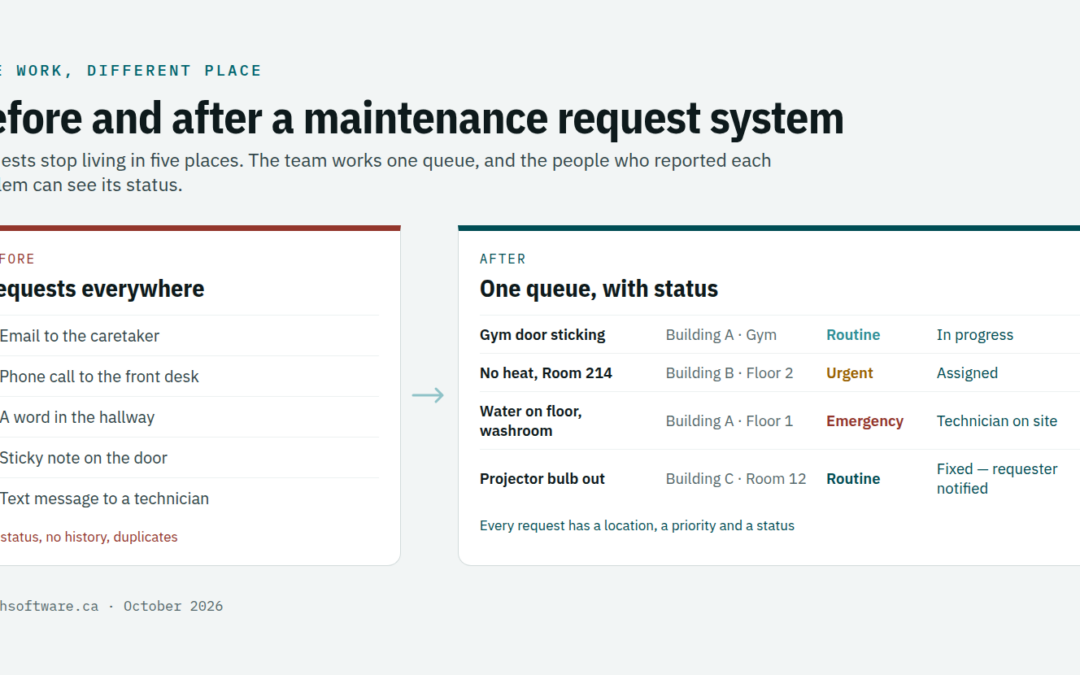
In most schools, offices and buildings, maintenance requests arrive every way except one place. An email to the caretaker, a phone call to the front desk, a word in the hallway, a sticky note on the office door. A maintenance request system replaces all of that with one simple way to report a problem, and one queue the maintenance team can actually work.
This guide explains what a good maintenance request system includes and how to roll it out so staff use it. It also covers priorities, response times, and what changes for schools, offices and multi-tenant buildings.
Why email and hallway requests fail
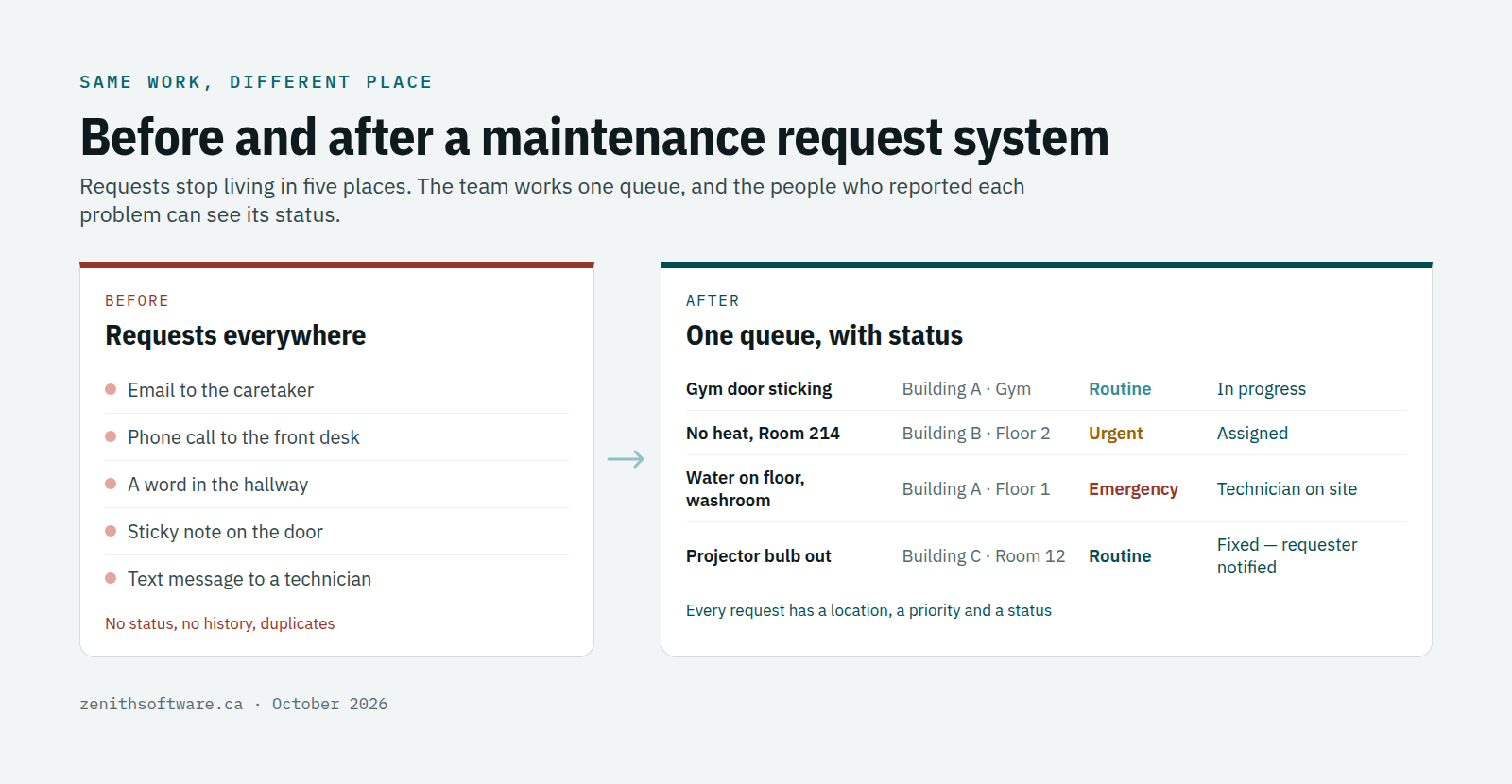
- Requests vanish. They sit in one person’s inbox, and nobody else knows they exist.
- Nobody knows the status. The person who reported the problem asks again, then again, then stops reporting.
- Duplicates pile up. Five people email about the same broken door, and the team cannot tell it is one job.
- Details are missing. “The heat is off” without a room number costs a technician twenty minutes.
- There is no record. When the same unit fails again in March, nobody can see what the technician did in November.
None of this is anyone’s fault. Email was never meant to run a maintenance operation.
What a good maintenance request system includes
- One link for everyone. On the intranet, in the staff handbook and on a poster by the photocopier. A printed QR code that opens the request page works well in schools and lobbies.
- A short form. Where, what, how urgent, and an optional photo. If it takes more than a minute, people will go back to email.
- Location picked from a list. Building, floor and room from a list, so the technician goes to the right place first time.
- An automatic acknowledgement. The person who reported the problem gets a reference, and later a note when the team fixes it.
- One queue for the team. Every request lands in the same place, where a supervisor sorts, merges duplicates and sets priority.
- A link to the equipment. Requests that become work orders build a history for each piece of equipment and each room.
- English and French. Staff should be able to report in their own language.
- An accessible form. Usable with a keyboard and a screen reader, which also makes it faster for everyone else.
Accessibility is a legal point in some provinces. In Ontario, designated public sector organizations and businesses or non-profits with 50 or more employees must make public websites and web content meet WCAG 2.0 Level AA. A public-facing maintenance request system should meet the same bar.
Set priorities and response times for your maintenance request system
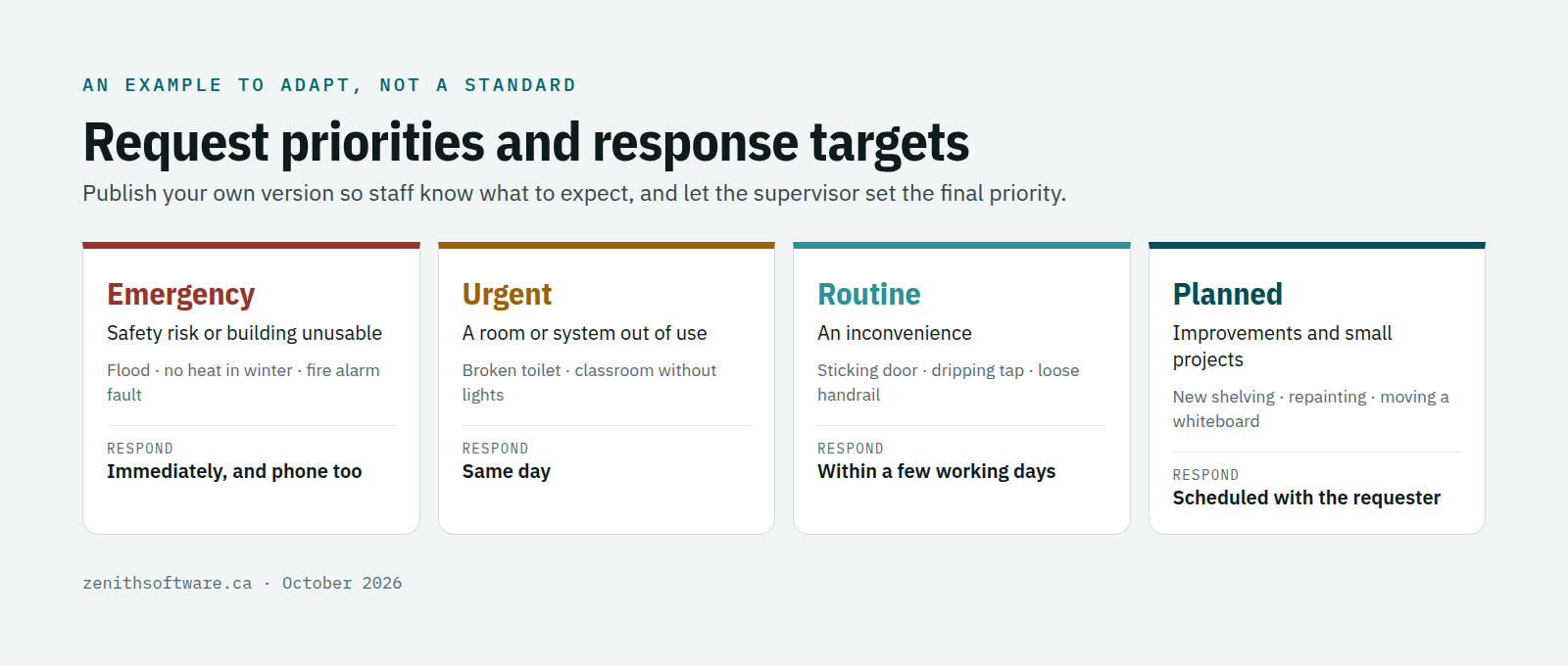
Staff stop chasing requests when they know what to expect. Agree a short set of priorities with clear examples, publish them, and keep to them. Four levels are usually enough:
- Emergency: safety risk or building unusable, such as a flood, no heat in winter or a failed fire alarm. Respond immediately, and phone as well as report.
- Urgent: a room or system out of use, such as a broken toilet or a classroom without lights. Respond the same day.
- Routine: an inconvenience, such as a sticking door or a dripping tap. Respond within a few working days.
- Planned: improvements and small projects, scheduled with the requester.
These targets are an example to adapt. What matters is that you write them down, that the supervisor sets the final priority, and that you measure how often you meet them.
How to roll out a maintenance request system
- Start on a Monday, with one message. From today, report maintenance problems here. Include the link and the poster.
- Answer every request through the system, even the ones that arrived by email. Reply with the link and log it yourself for the first few weeks.
- Close the loop. The first time someone sees “fixed” arrive without asking, they become a convert.
- Keep emergencies on the phone. A request system is not an alarm. Flooding and safety issues still need a call.
- Review after a month. Look at volume by building, response times and repeat problems, and share the results with staff.
A maintenance request system for schools, offices and buildings
Schools and school boards
Teachers and support staff are the requesters, often hundreds of them. They need a quick form, a status update and nothing else. Caretakers and trades need one queue per school, rolled up for the board’s facilities team. Because requests spike in September and January, the queue also shows where you need extra help.
Offices and corporate sites
Requests mix maintenance, cleaning and workplace issues. Route each category to the right team, and keep contractors’ work visible in the same queue so facilities managers can see everything in one place.
Multi-tenant and residential buildings
Tenants want to know someone received their request and when someone is coming. Property managers need every request tied to a unit and to the equipment involved, so recurring problems and contractor costs show up. Our article on maintenance management for Canadian property management goes further.
A maintenance request system in Zenith
Service requests are part of every Zenith edition, starting with Basic. Requesters, view-only users and contractors are free and unlimited, so you can open requesting to every staff member without adding cost. Requests flow into work orders linked to locations and equipment, with notifications back to the person who reported the problem.
The Essential edition adds a triage desk, approvals and verification, so supervisors can sort and check work before it closes. Everything works in English and French, on any phone, with data hosted in Canada. See the editions and prices, and our guide on how to choose work order software for what to check in a demo.
Questions people ask
Do requesters need an account?
In most systems, a light one, so the system can tie the request to a person and they can see its status. In Zenith requesters are free, so there is no reason to limit who can report.
What about urgent problems at night or on weekends?
Keep a phone number for emergencies and say so on the request form. The system records the job; the phone gets someone out of bed.
Can we start with one building?
Yes, and you should. One building, one month, then compare response times and repeat problems before rolling out further. Our article on why Canadian organizations hesitate to adopt a CMMS includes a 30-day plan.
Where to start
Count last month’s maintenance requests by where they arrived: email, phone, hallway, sticky note. If the answer is “everywhere”, a maintenance request system will pay for itself in time saved. Talk to us or start a free trial from the pricing page.
Published by Zenith Software Corp., Victoria, British Columbia · October 2026. We verified the external references in October 2026.