



Two complaints arrive in the same week. The first is from staff: there are never any meeting rooms. The second is from whoever holds the lease: the building is running at less than half capacity. Both are true. Between them sit meeting room no-shows: rooms somebody booked, nobody used, and nobody released.
This guide covers four things. What a ghost booking actually is. How to measure meeting room no-shows before you try to fix them. What check-in and automatic release do. And the policy decisions that matter more than the software.
Where meeting room no-shows come from: four behaviours
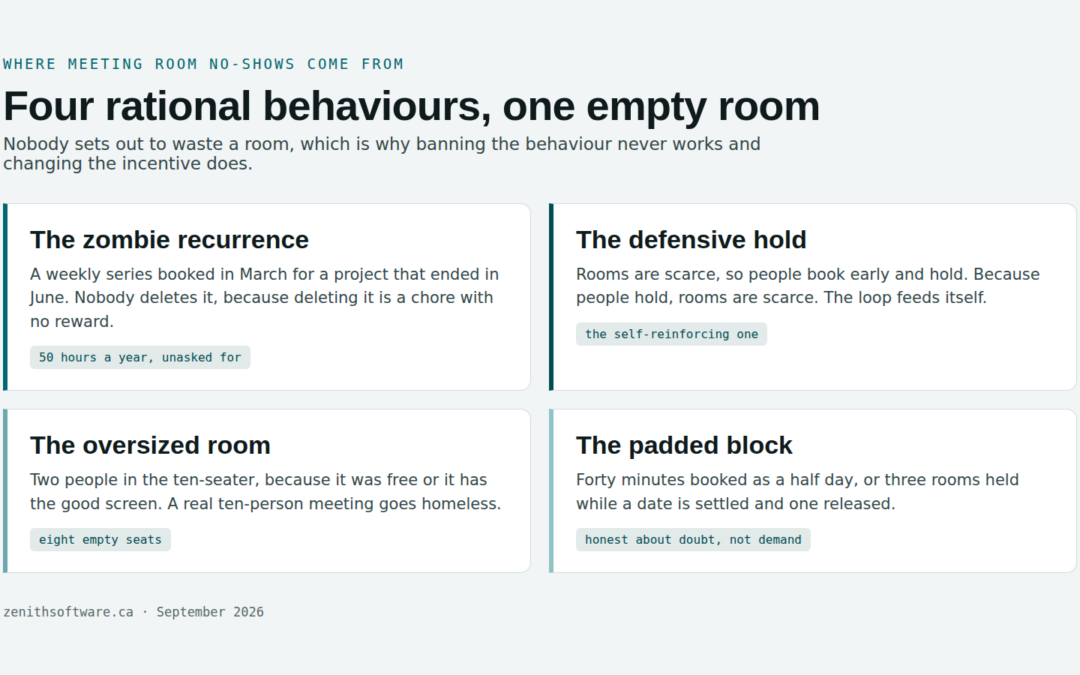
Nobody sets out to waste a room. Every ghost booking answers a real need. That is why banning the behaviour never works, and changing the incentive does.
The zombie recurrence
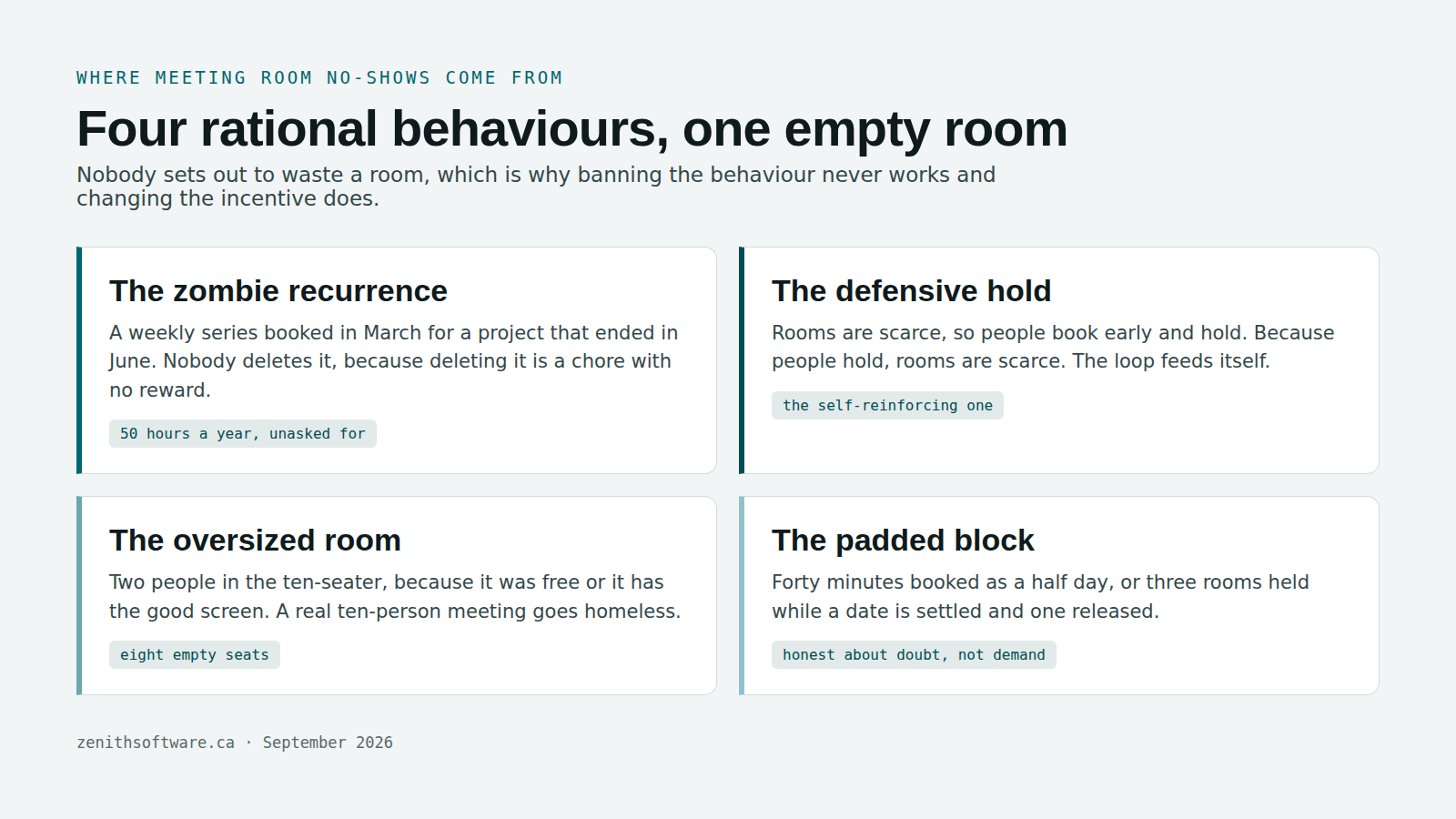
Somebody books a weekly project meeting as a recurring series in March. The project ends in June. The series runs on. Deleting it is a chore with no reward, so nobody ever does. One zombie recurrence eats an hour a week for a year: fifty hours of room time nobody asked for.
The defensive hold
Rooms are scarce, so people book early and hold. Because people hold, rooms are scarce. In most offices this loop drives more meeting room no-shows than anything else, and it feeds itself. The harder rooms are to find at short notice, the more sensible it becomes to grab one you might not need.
The oversized room
Two people take the ten-seat boardroom, because it was free, or because it has the good screen. The booker wasted nothing, from where they sat. From the building’s point of view, eight seats sat empty and a real ten-person meeting went homeless.
The padded block
Somebody books a half-day for a forty-minute conversation, because the calendar is easier that way. Or holds three rooms while a date settles, then releases one. The booking tells the truth about the uncertainty and lies about the demand.
Measure your meeting room no-shows before you fix anything
The instinct is to buy something. The better first move costs nothing. Work out how big the problem actually is. The answer decides whether you need a policy change, a software change, or more rooms.
Measure rooms in hours, not days. Start with supply:
Room-hours = rooms × bookable hours per day × working days
No-show rate = hours booked but never attended ÷ hours booked
Take a floor with 4 meeting rooms, a 9-hour bookable day and a 22-day month. That is 792 room-hours of supply. Suppose people booked 297 of those hours, and never checked into 38 of them:
| Supply (4 rooms × 9 hours × 22 days) | 792 room-hours |
| Hours booked | 297 — 37.5% of supply |
| Booked hours never attended | 38 |
| No-show rate (38 ÷ 297) | 12.8% |
| Hours actually used | 259 — 32.7% of supply |
| Recoverable per room, per week | about 2.2 hours |
Two and a bit hours per room per week sounds like nothing. That is the point: it is not a crisis, it is a tax. It is also roughly the capacity people queue for at 10am. Reclaim it and the experience changes out of all proportion to the number.
Hybrid patterns concentrate that queue further. Statistics Canada counted roughly 1.1 million hybrid workers in May 2024, commuting some days and not others. Hybrid estates tend to have a two-day peak and a quiet Friday. Meeting room no-shows hurt most on the days everybody chose to come in. Measure your rate on those days, not as a monthly average.
Two proxies, if you cannot measure attendance yet
Both sit in a calendar export already. Count the bookings belonging to a recurring series more than three months old. Then count the bookings in rooms more than twice the size of the meeting. Each one tracks meeting room no-shows closely enough to size the problem.
What check-in and automatic release do about meeting room no-shows
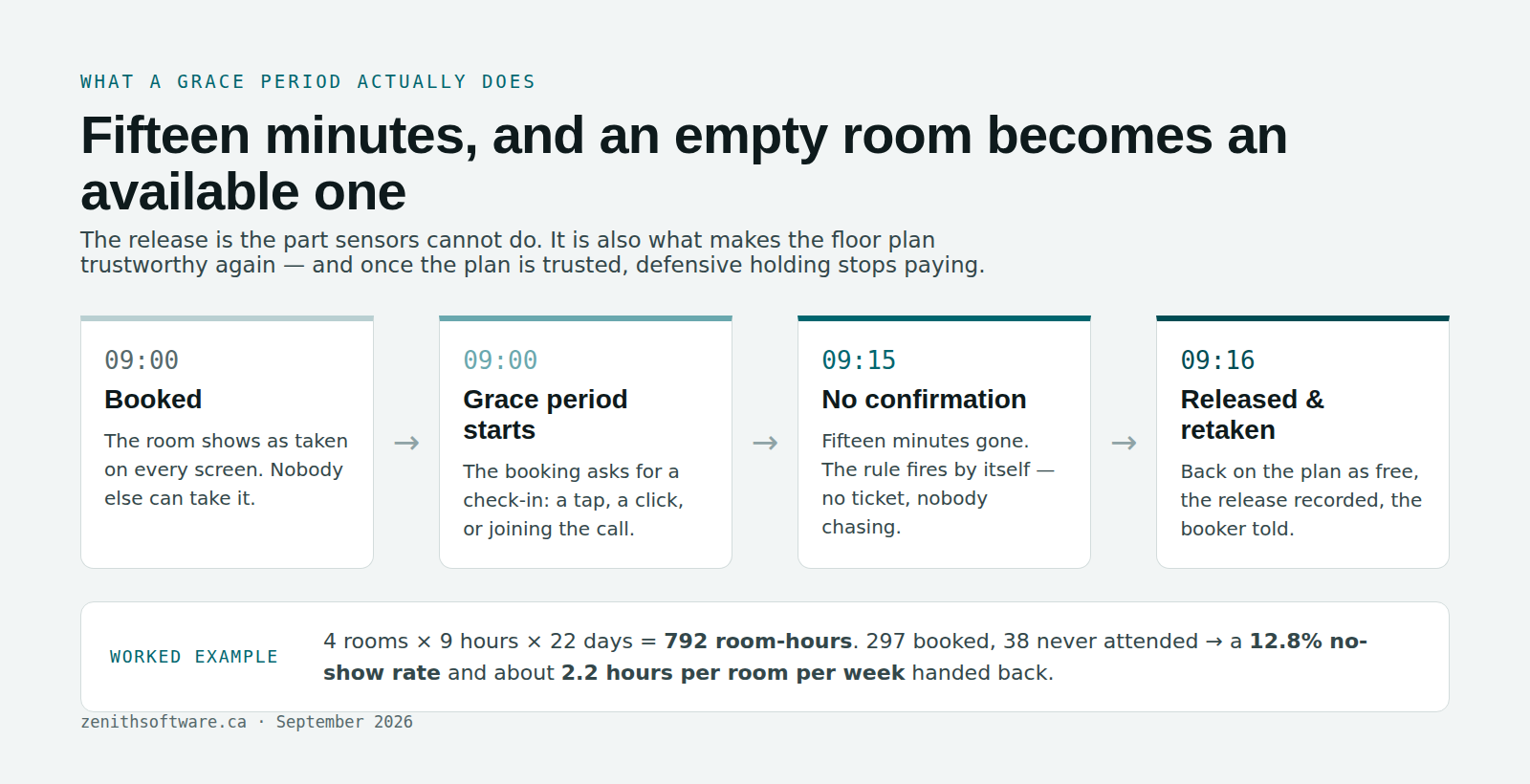
One sentence explains the mechanism. A booking asks the person to confirm they are there. If nobody confirms within a grace period, the room goes back on the plan by itself.
Three things follow from that, and only the third is the one people underestimate.
- The room comes back. An unconfirmed 10am booking becomes a free 10am room at 10:15. No facilities ticket, no negotiating in a corridor.
- The no-show becomes a number. The system records every release. “People book rooms and don’t turn up” stops being a grievance. It becomes a rate you can report on, act on, and watch fall.
- The plan becomes trustworthy again. This is the real prize. Once people believe a room marked taken really is taken, defensive holding stops paying. The scarcity loop then unwinds on its own. Nothing else you do has this effect.
You may already own part of this. Exchange and Microsoft 365 resource mailboxes carry booking policies most organisations have never opened. A booking window, 180 days by default. A maximum duration, 24 hours by default. Whether the room takes recurring meetings at all. Whether it declines requests outside working hours. Microsoft documents all of it under managing resource mailboxes. Tightening that 180-day window costs you an afternoon and nothing else.
Weighing Microsoft 365 against a dedicated tool? Our guide to choosing a meeting room booking system sets out what each one covers.
The policy decisions that come before the software
Every product that tackles meeting room no-shows will ask you these five questions during setup. Answering them first is the difference between a two-week rollout and a two-month argument.
- How long is the grace period? Ten to fifteen minutes suits most rooms. Rooms that need AV set-up or catering deserve longer. Set it per room type, not globally.
- What counts as a check-in? A tap on a phone, a click in the booking, a calendar accept, or joining the call. The easier it is, the less the policy costs in goodwill — and the more honest your data.
- Do recurring bookings expire? The most useful rule we see is that a series must be re-confirmed after a quarter. It kills zombie recurrences without anybody having to police them.
- Who is exempt? Usually the board room, sometimes an executive assistant’s bookings. Decide it openly and write it down; an undocumented exemption does more damage to trust than the no-shows did.
- Is the release visible? A released room that silently reappears teaches nobody. A room that reappears as newly free at 10:15, and tells the original booker why, teaches everybody within a fortnight.
Four things not to do about meeting room no-shows
- Do not publish a leaderboard of offenders. Naming individuals converts a scheduling problem into a political one, and people respond by booking under a colleague’s name.
- Do not cap booking lengths before you have data. Cap bookings at two hours on a floor whose real problem is zombie recurrences, and you punish the honest long meeting. The ghosts carry on.
- Do not require a justification field. It slows every booking down to catch a few. The text nobody reads becomes one more thing nobody maintains.
- Do not buy sensors first. Check-in tells you whether somebody honoured the booking, which is the question you actually have. It also does something sensors cannot: it frees the room. Still need a head count after that? Some estates genuinely do. Sensor and building-system feeds integrate later, alongside the bookings rather than instead of them. For the longer version of that argument, see occupancy sensors versus booking data.
A four-week plan to cut meeting room no-shows
- Week one — turn on check-in, generously. Set a twenty-minute grace period, announce what is happening and why, and change nothing else. The goal this week is data and trust, not savings.
- Week two — measure and publish. Work out the no-show rate and the recoverable hours per room. Share the number with the people who complained about room scarcity. It reframes the conversation immediately.
- Week three — tighten and prune. Bring the grace period down to ten or fifteen minutes. Expire recurring series older than a quarter. Fix the Exchange booking window while you are in there.
- Week four — re-measure, and decide. Have meeting room no-shows fallen? Can people find rooms? Then you have finished, and you bought no room panels. If demand at 10am still beats supply once the ghosts have gone, you now hold the evidence for building another room. That is a far better conversation than the one you started with.
The sequence works because it separates two problems that feel identical from the inside. Not enough rooms, and not enough available rooms. Most organisations have the second problem and spend money on the first.
Questions people actually ask
What is a ghost booking?
A ghost booking, also called a ghost meeting or phantom meeting, is a reservation nobody uses and nobody cancels. The room shows as taken on every screen, so nobody else takes it, and it sits empty for the duration. Zombie recurring series are the most common kind, because they generate a new ghost every week without anybody doing anything.
What is a good meeting room no-show rate?
No credible industry benchmark exists, because almost nobody measures it the same way. Some count bookings, some count hours, many count nothing at all. What matters is your own rate over time on a consistent definition. A rate that falls after you introduce check-in is the signal. The absolute number mostly tells you how many hours you can reclaim.
How long should the grace period be?
Ten to fifteen minutes for ordinary meeting rooms, and longer for rooms that need setting up. Too short, and you release rooms from under people genuinely walking down the corridor. That destroys trust faster than the no-shows ever did. Too long and the room is gone for the useful part of the hour anyway.
Will automatic release annoy people?
Less than you expect, if two things hold. Checking in has to be trivial, and the release has to announce itself. Plan for the complaint you will actually get. Not “somebody took my room”, but “nobody told me the rule changed”. Announce it a week ahead, start with a generous grace period, and tighten it once people have seen it work.
Do we need sensors to detect meeting room no-shows?
No. Check-in answers the question directly, from the person rather than the furniture. Unlike a sensor, it hands back a room somebody else can take immediately. Sensors answer a different question: how many bodies filled the room. Where that question genuinely drives a decision, they integrate alongside the bookings rather than in place of them.
Can Outlook or Teams do this already?
Partly. Resource mailboxes auto-accept, enforce a booking window and a maximum duration, and decline out-of-hours requests. That handles some padded blocks. On their own they will not ask for a confirmation, hand the room back when none arrives, or report a no-show rate you can act on. Set the mailbox policies regardless — they are free — and treat them as the floor rather than the solution.
How much capacity can we realistically reclaim?
In the worked example above, about 2.2 hours per room per week. That is roughly a 13% gain in effective room availability, with no construction and no new furniture. The larger effect is behavioural and harder to price. Once people trust the plan, defensive holding declines and bookings start to reflect real demand. If you are also weighing up which kind of system to buy, our guide to workplace software in Canada compares the three categories.
Where to start
Export one month of room bookings and count two things. How many belong to a series older than three months. How many sit in rooms more than twice the size of the meeting. That is an afternoon, and it costs nothing. It also tells you whether your meeting room no-shows are a policy problem, a tooling problem or a real capacity problem, before you spend a dollar on any of the three.
We built Zenith Workplace so the check-in, the automatic release and the no-show rate all come out of the same system as the floor plan and the space register. House rules per space type. A release the system records rather than hides. Reporting that prints its own divisor on the screen. Canadian-owned, Canadian-hosted and bilingual.
Every figure here comes from a small demonstration estate, so you can check each step by hand. We verified the external references in September 2026.
Published by Zenith Software Corp., Victoria, British Columbia · September 2026