



When people go looking for a better way to handle repairs, they usually search for work order software. They want the leaking tap, the broken heater and the jammed door to stop living in email, sticky notes and someone’s memory. This guide explains how to choose work order software that your team will actually use, in plain language and with Canadian requirements in mind.
It covers what the software does and ten things to check before you buy. It also lists the questions to ask in a demo, and the mistakes that send teams back to email within six months.
What work order software does, before you choose one
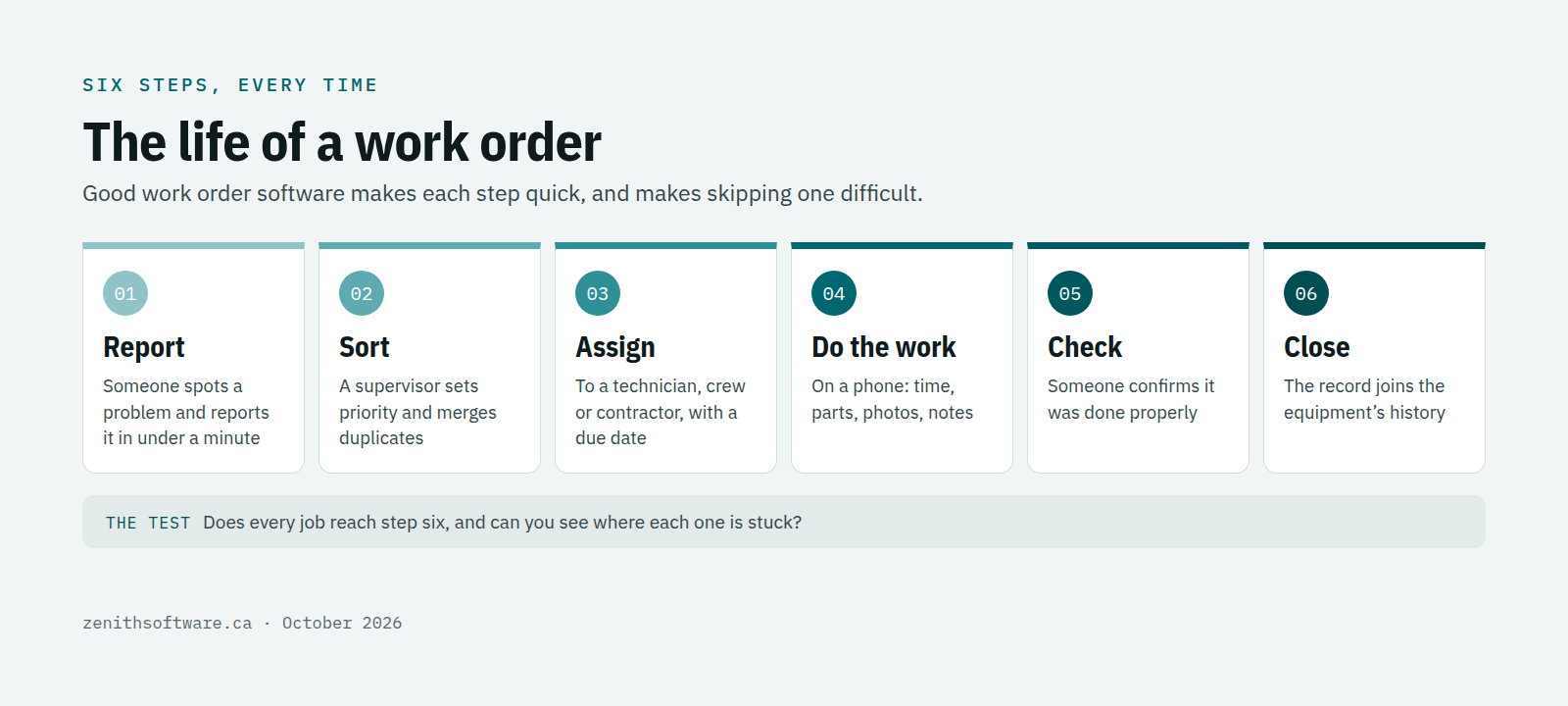
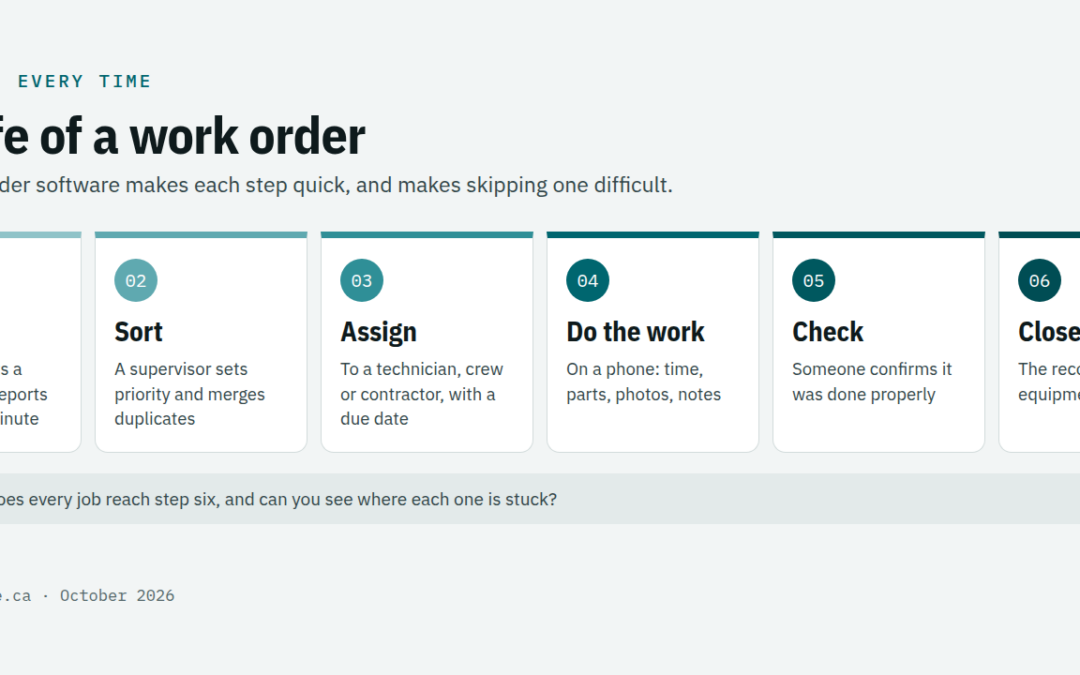
A work order is simply a record of a job: what is wrong, where, how urgent, who is doing it and what they did. Work order software moves that record through six steps.
- Report. Someone notices a problem and reports it, ideally in under a minute.
- Sort. A supervisor checks it, merges duplicates and sets the priority.
- Assign. The job goes to a technician, a crew or a contractor, with a due date.
- Do the work. The technician sees the job on their phone, records time, parts and photos.
- Check. Someone confirms the work was done properly before the job is closed.
- Close. The record joins the history of that piece of equipment or that room.
Zenith’s work order software breaks this into nine stages, from reported to verified and closed, so a job cannot quietly disappear between steps. Whatever tool you choose, the test is the same: does every job reach the end, and can you see where each one is stuck?
Ten things to check before you choose work order software
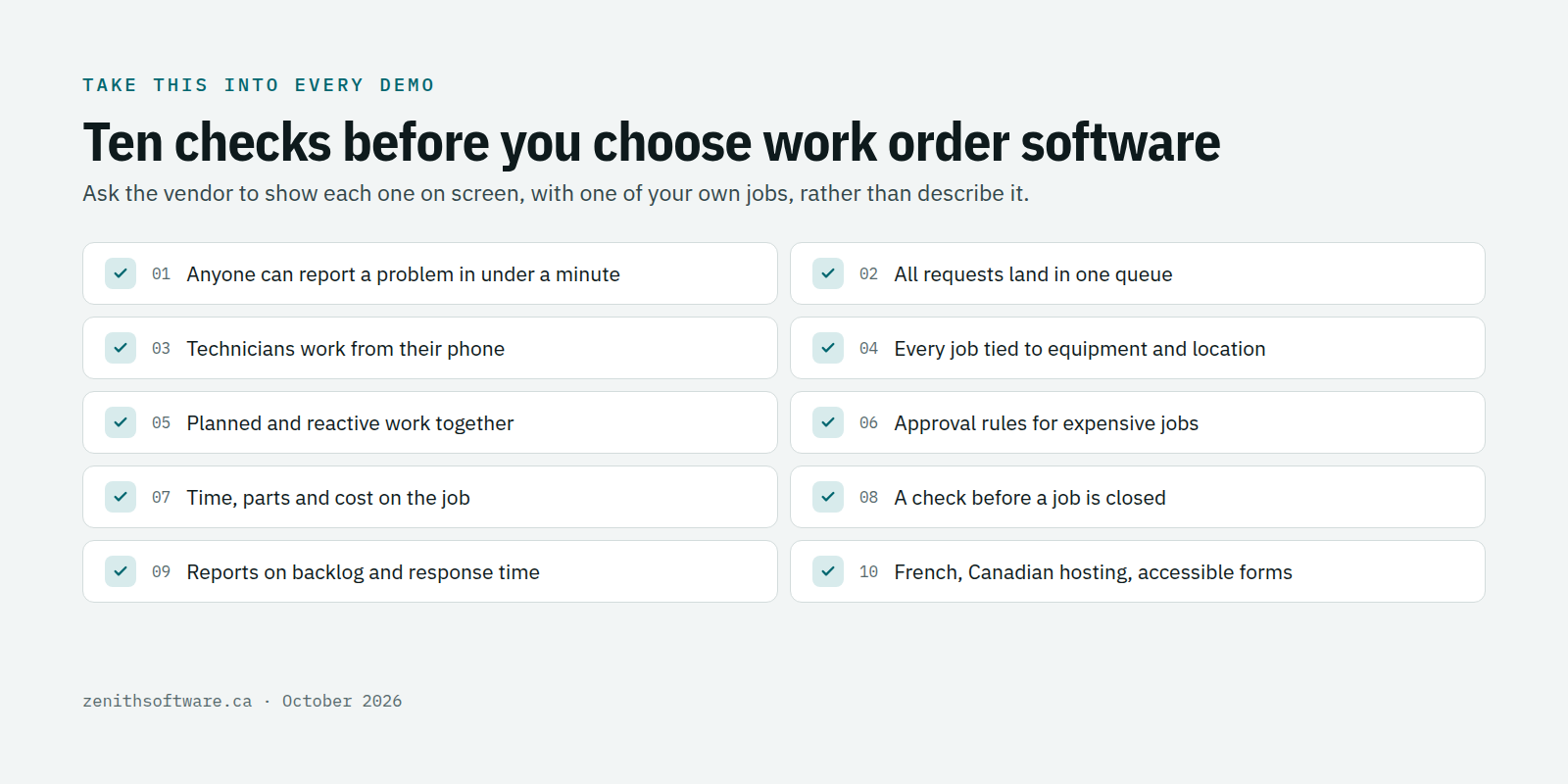
- Anyone can report a problem in under a minute. If reporting is slow, people go back to email and hallway conversations.
- All requests land in one queue. One place, with priority, location and status, instead of three inboxes.
- Technicians can work from their phone. Open the job, add photos and notes, close it, without returning to a desk.
- Every job is tied to equipment and a location. That is what builds a history you can search later.
- Planned and reactive work sit together. Preventive maintenance and repairs share one calendar and one backlog.
- Expensive jobs can need approval. A simple rule, such as anything over $2,000, sends the job to a manager first.
- Time, parts and cost are recorded on the job. Otherwise you cannot say what a building or a machine costs to keep running.
- Closing a job can be checked. A verification step catches the job marked done that was not.
- Reports answer real questions. How big is the backlog, how fast do we respond, what keeps breaking?
- It fits Canadian requirements. English and French, data hosted in Canada, pricing in Canadian dollars, and an accessible request form.
That last point is not a formality. In Ontario, designated public sector organizations and businesses or non-profits with 50 or more employees must make public websites and web content meet WCAG 2.0 Level AA under the AODA. If your request form faces the public, it should meet the same standard.
Watch the price model when you choose work order software
Work order software is usually priced per user, and the definition of a user decides the bill. If every teacher, nurse or office worker who reports a problem needs a paid licence, costs climb fast and managers start limiting who can report. That defeats the purpose.
Look for pricing that counts the people who do the work, not the people who report it. In Zenith, requesters, view-only users and contractors are free on every edition, and you pay for technicians, planners, supervisors and administrators. The pricing page shows each edition in Canadian dollars.
Demo questions to ask before you choose work order software
Demos are rehearsed. Bring one real job from last month and ask the vendor to run it end to end. Then ask:
- Show me a staff member reporting a problem from a phone. How many taps did it take?
- Show me a technician closing that job with a photo and the parts used, on a phone, in French.
- Show me every open job in one building, sorted by priority and age.
- Show me the full history of one piece of equipment.
- Where is our data stored, and whose law does the contract follow?
- Can we bring our current spreadsheet in, and who does the work?
If the answer to any of these is a slide rather than a screen, treat it as a no.
Mistakes that send teams back to email
- Making reporting hard. A login, a long form and ten mandatory fields will lose your requesters in a week. Our guide to setting up a maintenance request system covers what to ask for.
- Skipping the equipment list. Without it, every job is a free-text story and the history is useless. Our guide to tracking equipment maintenance shows how to build one, with a free template.
- Configuring everything on day one. Start with the basics, then add approvals, parts and planning once people are using it.
- No one owns it. Name one person who watches the queue every morning. The best software fails without that habit.
How to choose work order software at the right level
A school or office with two technicians needs requests, work orders and an equipment list. A maintenance team with a storeroom adds preventive maintenance, parts and mobile pages. Several crews add planning, contractor management and safety permits. Universities and health systems add automation and integrations.
Our guide on how to choose a CMMS edition for your industry maps those levels to sectors. If you are replacing an existing system rather than email, read how to switch maintenance software in Canada first.
Questions people ask
What is the difference between work order software and a CMMS?
Work order software handles the jobs. A CMMS, a computerized maintenance management system, adds the equipment register, preventive maintenance schedules, parts and reporting around those jobs. Most teams start with work orders and grow into the rest, which is why Zenith runs both on one platform.
Is there free work order software?
Some tools have free plans, usually limited by users, sites or features, and often hosted outside Canada. Check those limits against your team before you commit. Zenith offers a free two-week trial on your own data instead of a permanent free plan.
How long does it take to set up?
For a single site with a clean equipment list, a few days. Most of the time goes into agreeing priorities and who approves what, not into the software.
Where to start
Take one real work order from last month and the ten checks above into your next demo. If you would like to see that work order in Zenith, talk to us or start a free trial from the pricing page.
Published by Zenith Software Corp., Victoria, British Columbia · October 2026. We verified the external references in October 2026.