



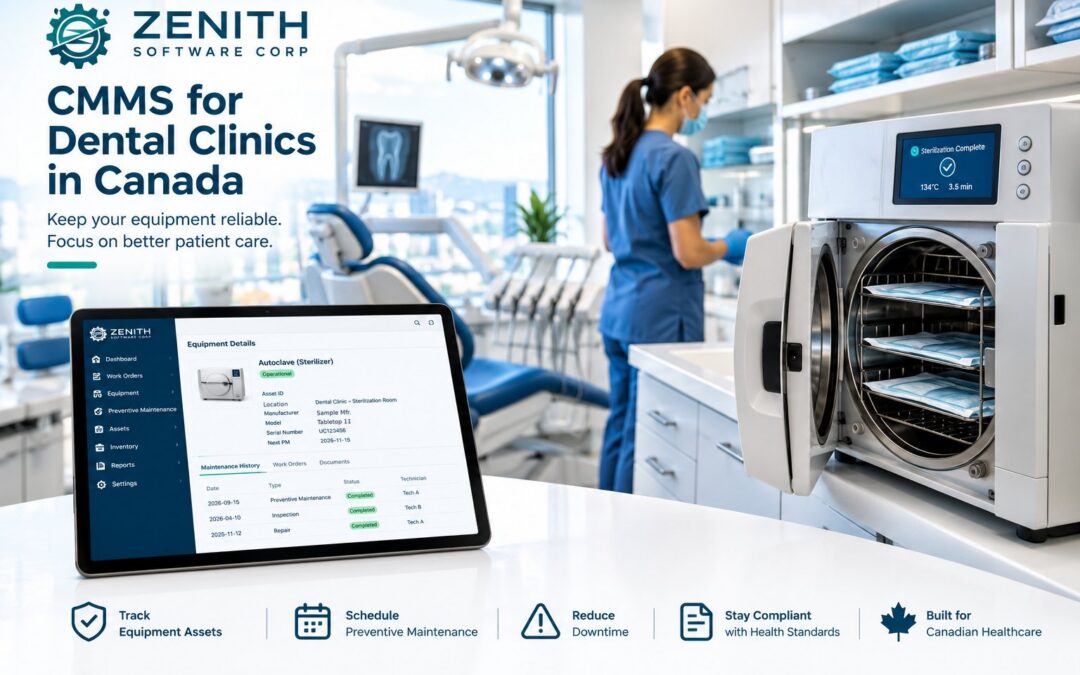
A dental clinic runs on equipment. Sterilizers, compressors, suction, chairs, handpieces, X-ray units, waterlines and amalgam separators all have to work every day, and in Canada most of them also have to be tested, logged and ready for an inspector. This post looks at the maintenance problems Canadian dental practices face, why paper binders and spreadsheets struggle to keep up, and what a CMMS for dental clinics (a computerized maintenance management system) needs to do to fix them.
Why maintenance matters more for Canadian dental clinics now
To begin with, demand has grown quickly. Since the Canadian Dental Care Plan (CDCP) launched, 7.5 million Canadians have enrolled, and 4.8 million patients have had a claim approved. More than 90% of dentists now take part. At the same time, a Canadian Dental Association report released on October 6, 2026 points to about 7,200 vacancies for dental hygienists and assistants. In short: more patients, fewer hands.
That combination is hard on equipment and on the people who look after it. First, chairs and sterilizers run more cycles. Second, the team has less time for checks. As a result, when a sterilizer or compressor goes down, the clinic has to reschedule patients and loses revenue.
Maintenance challenges a CMMS for dental clinics must solve
1. Sterilization records that must be complete, and kept for years
Infection prevention and control (IPAC) is where most of the daily paperwork sits. In Ontario, for example, the RCDSO standard Infection Prevention and Control in the Dental Office expects a practice to:
- record the time, temperature and pressure of every sterilizer load;
- run a Bowie-Dick air-removal test at the start of each day for pre-vacuum sterilizers;
- use chemical indicators on every package, and biological indicators for loads with implantable devices;
- test ultrasonic cleaners at least weekly, and automated washers on each day they are used;
- follow the manufacturer’s preventive maintenance schedule (including gaskets and seals) and document all maintenance, servicing and repairs;
- keep the sterilizer log book for at least 10 years.
For other equipment, see our article on how long to keep maintenance records in Canada.
In addition, public health units inspect dental offices and publish IPAC lapse reports. For that reason, a missing log entry can look the same as a test that nobody did.
2. X-ray equipment: registration, quality control and inspections
Health Canada’s Safety Code 30 (2022) says dental X-ray equipment must be maintained and monitored through a quality assurance program. In addition, provinces add their own rules. In Ontario, under the Healing Arts Radiation Protection Act (HARP):
- every dental X-ray machine must be registered, and installations need an approved plan;
- a dentist acts as Radiation Protection Officer;
- quality assurance tests are done every 12 months and after any servicing of the machine;
- daily quality control is logged, and records are kept for 6 years;
- inspectors visit on average every three to five years, and they don’t need an appointment.
“After any servicing” is the part that is easy to miss. In other words, if nothing links the repair to the follow-up test, nobody remembers to do it.
3. Waterlines, suction and the equipment behind the walls
Likewise, dental unit waterlines need flushing and treatment on a routine schedule, and lines must be flushed after a boil-water advisory is lifted. Meanwhile, compressors, vacuum pumps, water distillers and the amalgam separator sit in a back room, where staff easily forget them until they fail.
For instance, amalgam separators show the problem well. Since the Canada-Wide Standard on Mercury for Dental Amalgam Waste, Canadian dental offices have been expected to install an ISO 11143 amalgam separator and send amalgam waste to a waste carrier for recycling. By 2012, 97% of facilities had one. However, a separator only works if someone changes its canister on time and records the waste pickup.
4. Many vendors, warranties and service contracts
A typical clinic deals with a dental supply dealer, a sterilizer technician, an X-ray QA provider, a compressor service company and a waste carrier. As a result, warranty dates, service reports and certificates end up in email, on paper, or in someone’s head.
Usually, the cost shows up when something breaks. A chair motor fails a few weeks after its warranty ended, and nobody noticed the date was coming. Or the technician asks for the last service report, and the team spends half an hour searching inboxes while the operatory sits empty. Moreover, each vendor visit is a chance to lose information: a handwritten report goes into a drawer, and the next technician starts from zero. Keeping warranties, contracts and reports on the equipment record itself, with a reminder before a warranty or contract ends, turns these surprises into planned decisions.
5. More than one location
Similarly, group practices and dental service organizations (DSOs) have the same problems multiplied by every site, plus one more: nobody can see, in one place, which clinic is behind on its testing.
In practice, each clinic tends to build its own system. One keeps a binder at the sterilization station, another uses a spreadsheet, a third relies on the office manager’s calendar. So when an owner or regional manager wants to know whether every site ran its weekly ultrasonic test, or how much was spent on compressor repairs last year, the answer takes days of phone calls. A shared CMMS for dental clinics gives every location the same checklists and schedules, while still letting each clinic see only its own work.
6. Staff turnover
When the person who “knew the sterilizer” leaves, the knowledge leaves too. Because there are thousands of vacancies across the country, this happens often.
Besides, new hygienists and assistants usually learn on the job, between patients. If only an old binder describes the daily start-up routine, the waterline treatment steps or the separator change, new staff will likely make mistakes in the first weeks. When each task carries its own steps, the manufacturer’s manual and the last completed record, a new team member can open it on a phone at the chair and follow it the same way as the person before them. That way, the routine stays with the clinic, not with one employee.
Why binders fall short and dental clinics need a CMMS
Most practices start with a binder at the sterilization station and a spreadsheet on the office computer. That works for a while (our guide on how to track equipment maintenance shows how far a spreadsheet can go), but it has limits that a CMMS for dental clinics is designed to remove:
- No reminders. A binder can’t tell you the ultrasonic test is due today.
- No link between events. A spreadsheet doesn’t know that an X-ray repair means a QA test is now due.
- Hard to prove. Finding a log entry from seven years ago, or a service report from last spring, takes time you don’t have during an inspection.
- Not shared. The front desk, the hygienist and the outside technician each keep their own notes.
How a CMMS for dental clinics fixes it
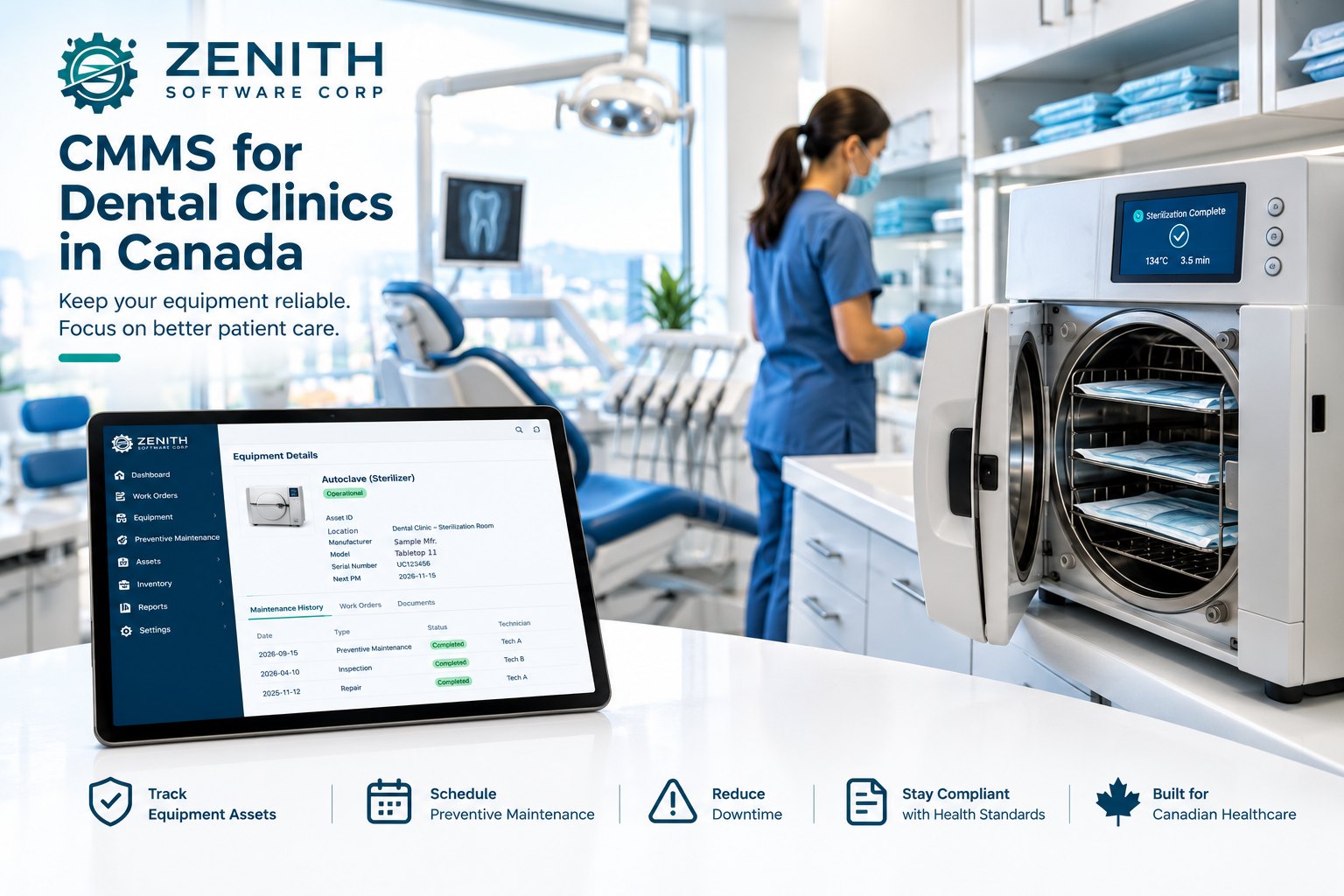
Instead, a CMMS keeps every piece of equipment, every task and every record in one system. In a dental practice, that means:
- An equipment register. The register lists every sterilizer, chair, X-ray unit, compressor and separator with its location, maker, model, serial number, warranty and photos of the unit and its nameplate.
- Scheduled tasks that remind you. The system generates daily, weekly, monthly and annual checks and assigns each one to the right person, so the weekly ultrasonic test or the annual X-ray QA doesn’t depend on memory.
- Work orders for every repair. When something breaks, staff report it in a few taps with a photo, through a simple maintenance request system. You follow the repair from request to completion, and you can add the follow-up test as a step before closing the job.
- Records you can find in seconds. Service reports, certificates, manuals and QA results sit on the equipment they belong to, with dates and history, ready for an inspector.
- One view across locations. Each clinic sees its own work; the owner or DSO sees what is late at every site.
What modules a CMMS for dental clinics needs
| Need | What to look for | In Zenith |
|---|---|---|
| Know what you own | Asset register by site and room, with maker, model, serial, warranty, photos and QR labels | Assets, Locations (Basic) |
| Report problems fast | Simple request form any staff member can use, with photos | Requests (Basic) |
| Track repairs | Work orders with status, priority, assigned person and history | Work Orders (Basic) |
| Keep the paperwork | Manuals, service reports and certificates attached to equipment, with revisions and status | Media (Basic) |
| Never miss a test | Recurring daily, weekly, monthly and annual tasks with reminders | Preventive Maintenance (Essential) |
| Usage-based service | Service by cycle count or hours, for example on sterilizers and compressors | Meters (Essential) |
| Spare parts | Gaskets, filters and separator canisters on hand when needed | Parts & Inventory (Essential) |
| Sign-off | Supervisor checks and closes finished work | Approvals and verification (Essential) |
| Work at the chair | Phone app for staff and technicians, scan the asset’s QR label on supported phones, keeps working without signal | Technician mobile app (Essential) |
| Keep everyone informed | Notifications in the app or by email, in English or French | Notifications (Basic) |
| See how it’s going | Dashboards and reports to print, export or email | Dashboard, Reports (Basic) |
For example, a small clinic can start with the essentials: an equipment list, a way to report problems, and work orders. Then, as the practice or group grows, preventive maintenance, meters, parts and the mobile app make the routine automatic.
A simple way to start a CMMS for dental clinics
Setting up a CMMS for dental clinics doesn’t need a big project. In fact, most practices can be running in a few weeks:
- List your equipment room by room: operatories, sterilization, imaging, mechanical room, lab.
- Write down the routine for each item: daily, weekly, monthly, annual, and after any repair. Use the manufacturer’s instructions and your provincial regulator’s standards. Our guide to building a preventive maintenance schedule you will actually keep walks through it.
- Attach what you already have: manuals, warranties, the latest service report and QA certificate.
- Turn the routine into scheduled tasks and assign each one to a person.
- Review once a month: what was late, what broke, and what it cost.
Zenith as a CMMS for dental clinics
Zenith is made by Zenith Software Corp. in Victoria, BC, and it can serve as a CMMS for dental clinics of any size, from a single office to a group of locations. You can begin with the Basic edition and move to preventive maintenance in Essential later, without losing any data.
- Start small. Zenith’s Basic edition has no seat minimum, and staff who only report problems are free.
- Try it on your own data with a free two-week trial. You pay nothing until you decide.
- Work in English or French, on any phone, with your data hosted in Canada.
The editions and prices are on our pricing page, and our article on choosing a CMMS edition by industry helps you pick. Want to see it with dental equipment? Book a short demo and we’ll show you how a sterilizer, an X-ray unit and an amalgam separator would look in Zenith.
Questions people ask
What is a CMMS for dental clinics?
It is maintenance software that keeps a clinic’s equipment list, scheduled checks, repairs and records in one place. Instead of binders and spreadsheets, staff get reminders for each test and a full history for every sterilizer, chair and X-ray unit.
Does a small dental office need a CMMS?
Not always, at least not on day one. A single office with a few operatories can start with an equipment list and a simple way to report problems. However, a CMMS becomes worth it when tests start being missed, records are hard to find, or the practice adds a second location.
Can a CMMS replace my sterilizer log book?
Yes, it can hold the scheduled tests, results and maintenance history, with dates and the person responsible. Still, check with your provincial regulator what format they accept, and keep any printouts your sterilizer produces if they ask for them.
Which Zenith edition does a dental clinic need?
Basic covers the equipment register, requests, work orders, media and reports. Essential also adds preventive maintenance, meters, parts and the technician mobile app, which most clinics want for recurring sterilization and X-ray checks.
This article is general information, not legal or regulatory advice. Requirements vary by province; always follow your provincial dental regulator, public health unit and the equipment manufacturer.
Sources
- Royal College of Dental Surgeons of Ontario, Standard of Practice: Infection Prevention and Control in the Dental Office
- RCDSO, X-ray safety requirements for all Ontario dentists
- Health Canada, Safety Code 30 (2022): Radiation Protection in Dentistry
- Environment and Climate Change Canada, Dental amalgam waste (mercury): P2 notice performance report
- CTV News, Cost, confusion, staffing shortages affecting access to national dental care plan: report (October 6, 2026)