



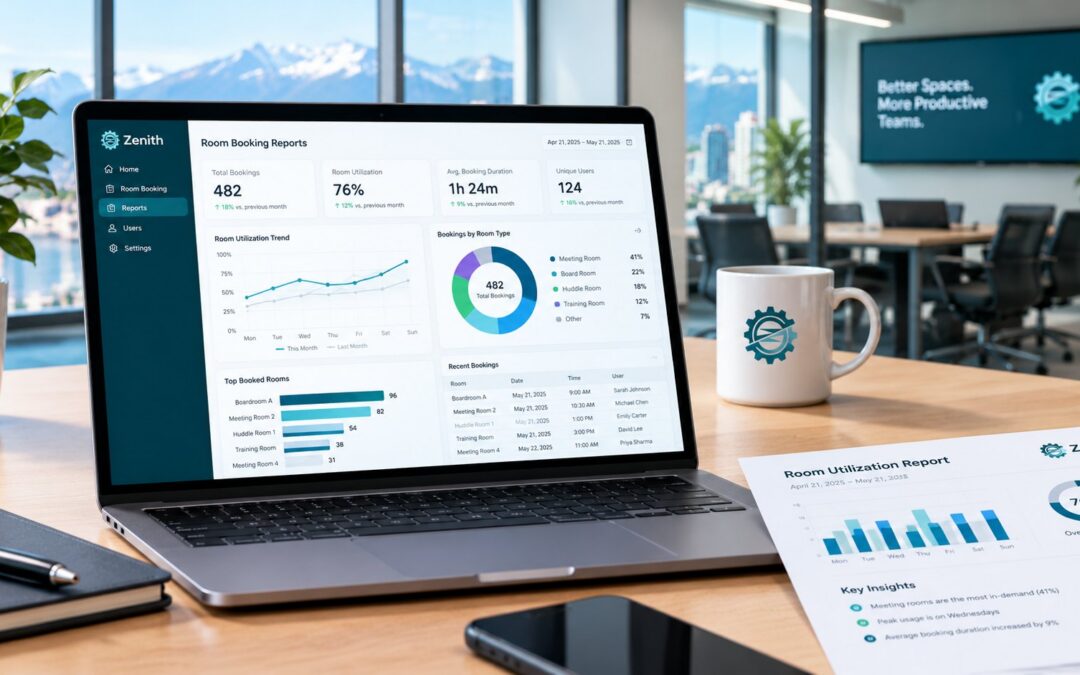
Room booking reports turn a calendar into evidence. Without them, decisions about space rely on impressions: “the boardroom is always full” or “nobody uses the third floor”. With them, you can see which rooms people book, which they actually use and which sit empty on certain days. This guide lists eight numbers worth tracking in room booking reports, explains how to calculate each one and shows how to use them in a budget or space planning discussion.
Why room booking reports matter
Most organizations review their space at some point: before a lease renewal, a renovation, a move to hybrid work or a request for more meeting rooms. At that moment, someone asks for the numbers. If the only source is a calendar, the answer is usually misleading, because a booked room is not always a used room. Good room booking reports separate the two. In addition, they show patterns by day and by room type that a calendar hides.
Large employers already plan this way. For example, the Government of Canada’s GCworkplace guidance on flexibility in design and utilization sizes workspaces against a target on-site occupancy and uses advance booking to keep occupancy in check. Room booking reports give a smaller organization the same kind of evidence.
Eight numbers to track in room booking reports
1. Booking rate
This is the share of available hours that are booked. For example, a room open 40 hours a week and booked for 24 has a booking rate of 60%. Calculate it per room and per room type, not just for the whole building.
2. Utilization rate
Utilization counts only the bookings that actually happened, divided by bookable hours. It is always lower than the booking rate. The divisor matters: divide by rooms people can book, not by every room you own. Our guide on how to calculate space utilization explains the arithmetic in detail.
3. No-show rate
This is the share of bookings where nobody turned up. With check-in and automatic release, the system counts these for you. A high no-show rate is often the fastest problem to fix, because simple rules give the room back. See our article on meeting room no-shows.
4. Peak day and quiet day
Averages hide the real pattern. A floor at 47% on average might be nearly full on Tuesday and nearly empty on Friday. The peak day tells you whether you need more rooms. Meanwhile, the quiet day tells you whether you have more space than you need.
5. Peak hour
Similarly, rooms are often full from 10 to 11 and empty after 3. If people complain that they “can never find a room”, check the peak hour before you add space. A rule that limits long bookings in peak hours may solve the problem for free.
6. Average booking length
Long bookings often signal rooms held “just in case”. If most bookings in a room run four hours but most meetings last one, consider a maximum duration for that room type.
7. Lead time
Lead time is how far ahead people book. Very long lead times can mean rooms are reserved for recurring meetings that no longer happen. On the other hand, very short lead times can mean people cannot plan because rooms are always taken.
8. Most and least used rooms
Finally, rank rooms by utilization. The least used rooms are candidates for a new purpose, for example turning a large boardroom into two smaller rooms or a quiet workspace. The most used rooms tell you what kind of space people actually want.
Booked versus used: the gap that matters
The difference between the booking rate and the utilization rate is the capacity you lose to no-shows and abandoned bookings. In many offices, this gap is the main reason people say there are not enough rooms. Therefore, measure it first, fix it with check-in and automatic release, and only then decide whether you need more space.
Room booking reports measure bookings and check-ins. They do not count how many people sat in a room. If you need that, occupancy sensors can add it later. Our comparison of occupancy sensors and booking data explains what each one tells you.
How to present room booking reports to management
- Start with the question. For instance, “Do we need the third floor?” or “Do we need two more meeting rooms?”
- Show the divisor. State which rooms and which days you counted, and which you left out.
- Show booked and used side by side. The gap is usually the most persuasive number.
- Show the week, not just the average. A bar per weekday makes the pattern obvious.
- Recommend one change and a date to review it. For example, turn on automatic release now and review in 30 days.
Room booking reports in Zenith
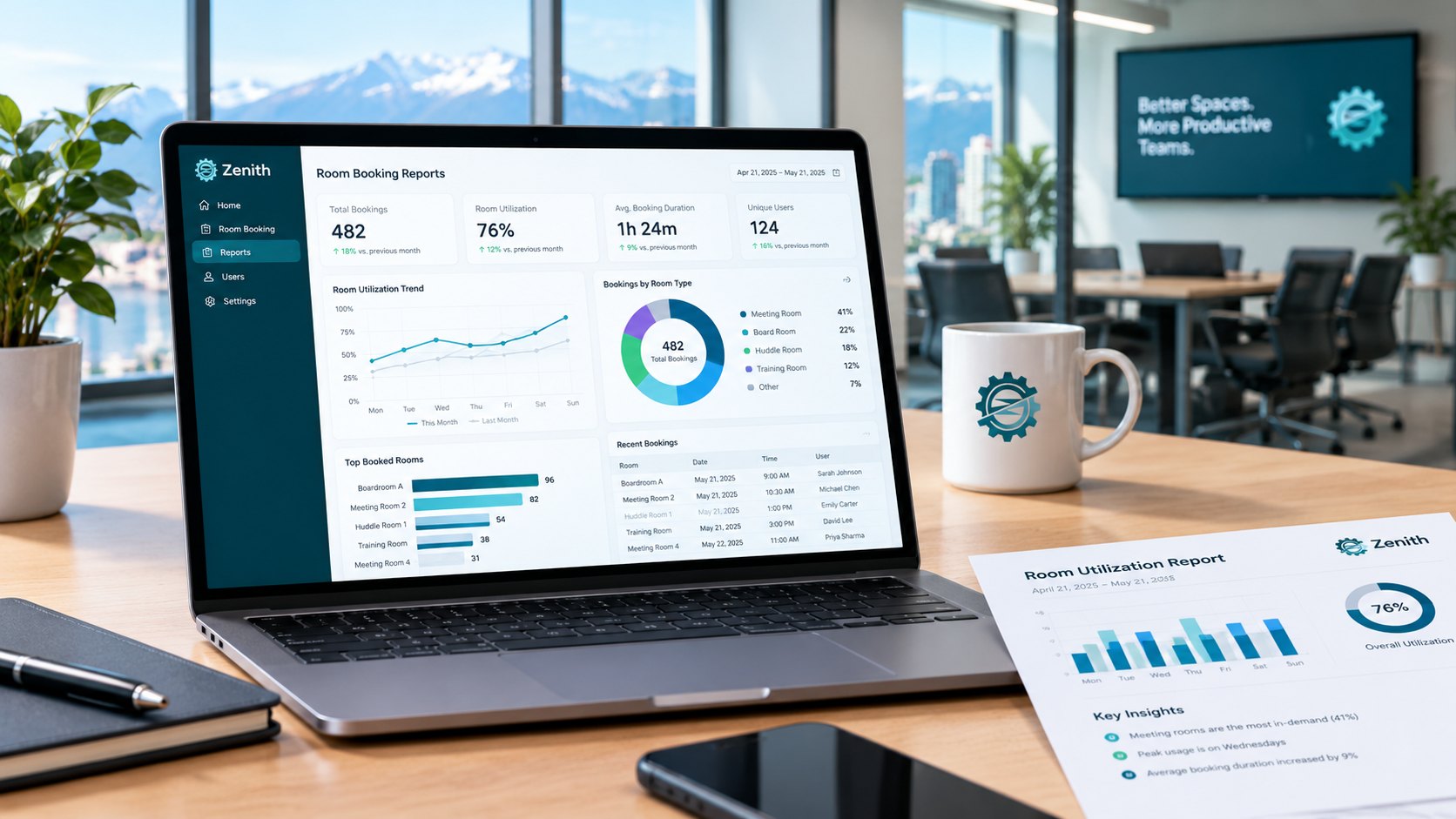
Zenith Workplace calculates its reports from the bookings each time you open them, rather than storing a figure someone typed in. Specifically, it reports:
- Utilization by site, floor, team and space type, with the divisor shown beside the percentage.
- Peak and quiet days, so the weekly pattern is visible at a glance.
- No-shows: every booking released by the check-in rule, with the space, the day and the rule.
- Exports to Excel from any view, and scheduled reports sent by email before your space meeting.
Zenith also states what it does not report. It does not calculate cost per desk or per square foot, because floor area and lease costs are not held in the product. Floors that have not been drawn yet are excluded and named, rather than counted as empty.
Questions people ask
What is a good room utilization rate?
There is no single target, because it depends on your rooms and your work patterns. More useful than a target is the trend over time and the gap between booked and used.
How often should we review room booking reports?
Monthly is enough for most organizations. Review more often in the first three months after you change a rule.
Can room booking reports replace a space survey?
For many decisions, yes. A survey samples one week, while booking data covers every day. However, booking data cannot see people who use a room without booking it.
Where to start
First, pull one month of booking data and calculate the booking rate and the no-show rate for your busiest rooms. Then book a demo to see these reports on your own floor plan, or read our complete guide to room booking software in Canada.