A maintenance team sees a CMMS (computerized maintenance management system) they like. The screens make sense, the workflow matches how they work, and their technicians could use it on day one. Then someone asks the question every buyer should ask: “They’re a small company. What happens to us if something goes wrong?”
It’s a fair question. Choosing a CMMS is not a six-month decision. Your asset history, preventive maintenance plans and years of work orders will live in it, so you’re really choosing a partner for the next ten years. This guide looks at what a vendor’s size and age do and don’t tell you, what to check instead, and how to reduce the risk with any vendor, large or small.
Why buyers prefer big, established vendors
The instinct to choose a well-known name is reasonable. A large, established vendor seems to offer:
- Continuity: the company is likely to be around in ten years.
- Proof: many customers, many reviews, many case studies.
- Capacity: large support and implementation teams.
- Security paperwork: formal certifications and long security questionnaires already completed.
- Safety for the decision-maker: nobody gets blamed for choosing the market leader.
These are real advantages, and for some organizations they settle the question. But they aren’t the whole picture.
What a vendor’s age doesn’t tell you
The age of the software is not the experience of the team. A product launched recently may be built by people with decades in maintenance and facility management software. A 20-year-old product may be maintained by a team that never met the original designers.
Older can mean harder to change. Long-established products often carry older technology and design decisions underneath. Adding something new, such as a modern phone app, AI features or a cleaner workflow, can take years.
Large vendors change too. Software companies are bought, merged and refocused. After an acquisition, products are often renamed, repriced, folded into a larger platform or quietly retired, and the roadmap is set somewhere far from your maintenance shop.
You may be a small customer to a big vendor. For a recreation centre, a school district or a property manager, the most important feature is often a person who answers. Large vendors usually route smaller accounts through tiered support queues and account managers who change every year.
“Established” doesn’t mean “fits.” The best-known product may be built for manufacturing plants or global enterprises, with complexity your team will pay for and never use.
What to evaluate instead
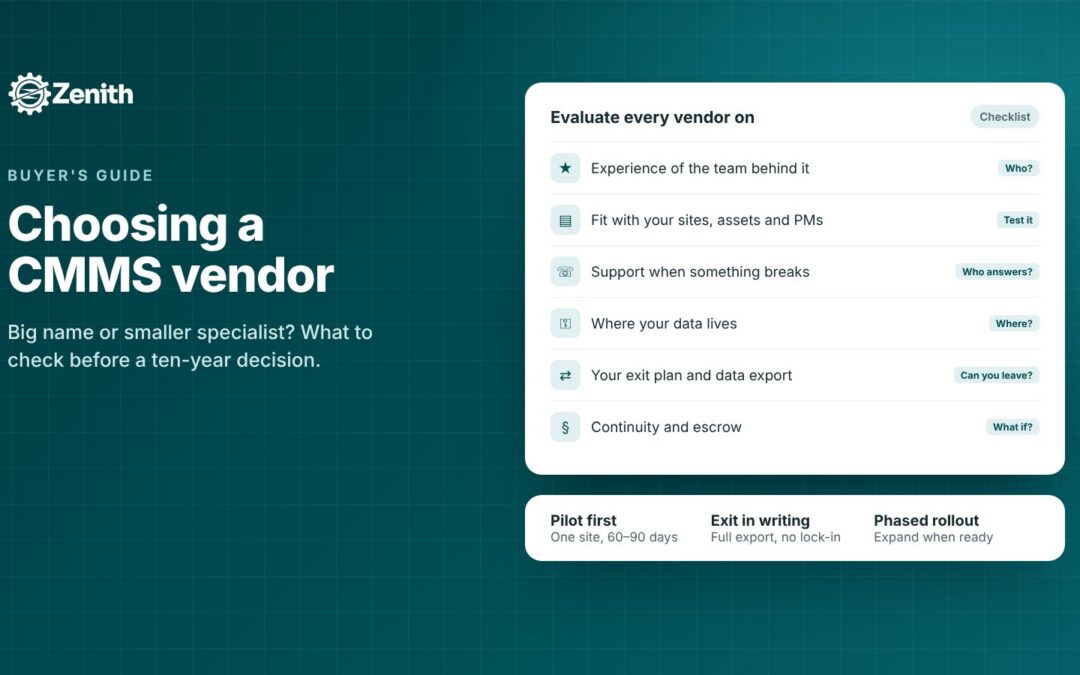
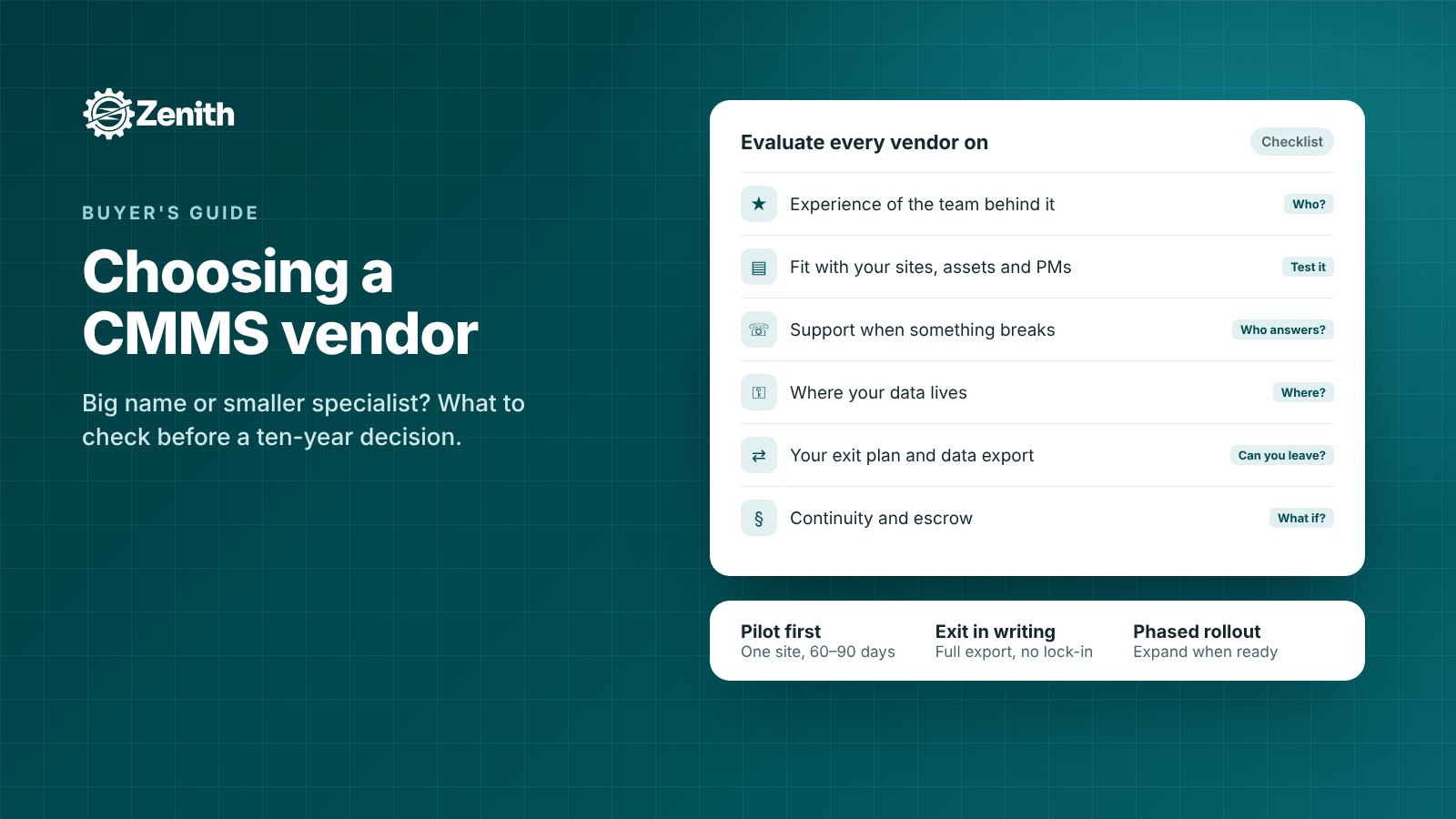
Whatever the size of the vendor, these are the questions that predict whether a CMMS will work for you:
- Who built it, and what’s their experience? Ask how long the people behind the product have worked on maintenance and facility software, not just how long the company has existed.
- Does it fit your work? Test it with your own sites, assets and PM schedules, not a generic demo. If the vendor can load your data quickly, that also tells you how implementation will go.
- Who answers when something breaks? Ask how support works, who you’ll speak to, their hours and their response times, and get it in writing.
- Where is your data, and who can reach it? Ask where data, backups and the disaster-recovery copy are stored, who can access them, which sub-processors are involved, and how data is encrypted.
- Can you leave? Ask whether you can export all your data in standard formats at any time, and what happens to it when the contract ends. The easier it is to leave, the less risky it is to start.
- What protects you if the vendor disappears? Ask about financial backing, source-code escrow (a copy of the code held by a third party and released to you in defined situations) and documented continuity plans.
- How fast does the product improve? Ask for the recent release history and how customer requests are handled. A vendor that ships every few weeks and listens to your team is a different partner from one with a yearly release cycle.
- Who else uses it? Ask for references from organizations like yours, and speak to them.
- What will it really cost? Compare total cost over several years, including implementation, training, modules you’ll need later, and price increases.
- Does it meet Canadian requirements? For Canadian organizations, that often means data hosted in Canada, full English and French support, privacy laws such as PIPEDA, Quebec’s Law 25 or your province’s public-sector rules, support in your time zone, and pricing in Canadian dollars.
Where smaller vendors often do better
Choosing a smaller, specialized vendor isn’t only about accepting risk. Organizations often choose them because they get:
- Direct access to the people who build the product, not a ticket queue.
- Faster changes: a request can turn into a feature in weeks, not years.
- More attention: you’re an important customer, not one of thousands.
- Hands-on implementation, often including loading your own data for you.
- A modern platform, built recently on current technology, with a phone app and new features such as AI built in rather than bolted on.
- More flexible terms, including pilots and phased rollouts.
How to reduce the risk with any vendor
Whichever vendor you choose, a few steps protect you:
- Start with a pilot. Run the system at one site or with one team for 60 to 90 days, with success measures agreed at the start.
- Write your exit into the contract. Full data export on request, a fixed deletion timeline, and the right to leave without heavy penalties.
- Ask for escrow if the system will be critical to your operation.
- Get security answers in writing, and include them in your privacy impact assessment if you need one.
- Roll out in phases: requests and work orders first, then preventive maintenance, then inventory and reporting.
With these in place, the size of the vendor matters much less. What matters is whether the product fits and whether the people behind it will be there for you.
Why organizations choose Zenith
Zenith is a CMMS and workplace platform built by Zenith Software Corp. in Victoria, British Columbia. We’re a smaller company, and we know that’s a question for some buyers. Here is how we answer it:
- Experience behind the product. Zenith is built by a team with more than two decades of experience designing and building maintenance and facility management software.
- A modern platform. Built from the ground up since 2022 with current technology, and improved through frequent releases.
- Built and supported in Canada. Your records are hosted on Microsoft Azure in Canada, and the app is fully bilingual in English and French.
- Your own data, set up for you. We load your sites, assets and PM schedules from the lists you already have, so you can evaluate Zenith with your real data.
- Direct access. You speak with the people who build Zenith.
- No lock-in. Export all your data in standard formats at any time.
- Low-risk start. A pilot at one site, then expand when you’re ready.
Questions people ask about Zenith
1. Who is behind Zenith?
Zenith Software Corp., a privately held Canadian company based in Victoria, B.C. The founder has spent more than twenty years designing and building maintenance and facility management software.
2. How long has Zenith been in development?
Development started in 2022, with the product built from the ground up. Zenith is released frequently, with new features and improvements throughout the year.
3. What does Zenith do?
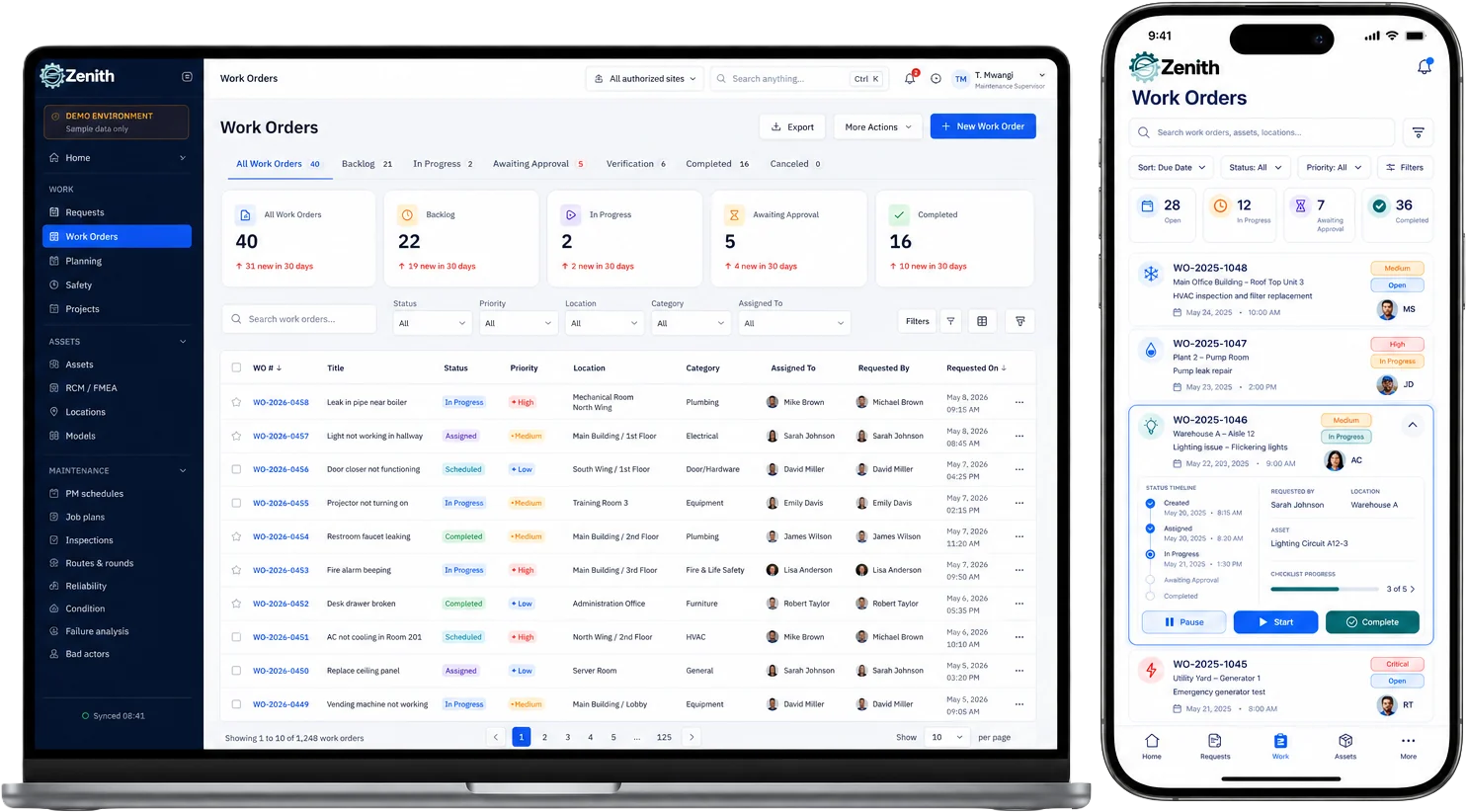
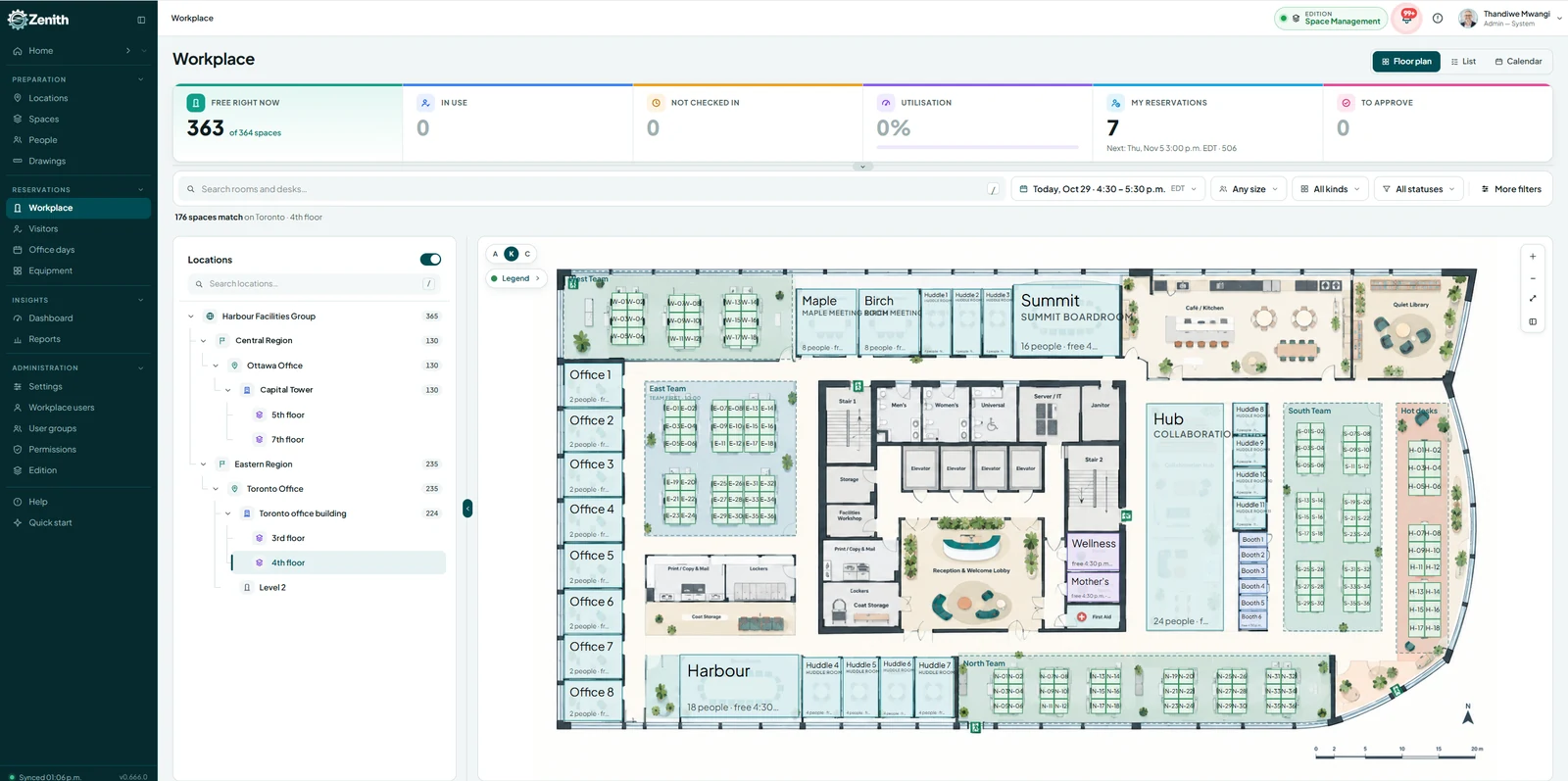
Service requests, work orders, preventive maintenance, assets, meters, inspections, parts and inventory, vendors, dashboards, reports and AI Reports, plus room, desk and equipment booking and visitor management in the Workplace module, all on one platform.
4. Where is our data stored?
Your records are hosted on Microsoft Azure in Canada, including backups. Optional AI features are described below.
5. How is our data protected?
Your data is encrypted, access is controlled by role and site so people see only what they need, and every work order keeps a full audit trail. We’re happy to answer your IT team’s security questions in writing.
6. How do the AI features handle our data?
AI Reports works on your own records, with each person’s own permissions. The AI service receives your question and the names it needs to understand it, never the rows of your records. Optional features, such as manager summaries, are off until an administrator turns them on, and the AI service may process that information outside Canada.
7. Is Zenith available in French?
Yes. The whole application is available in English and French, chosen by each person.
8. Can we test it with our own data?
Yes. We can set up a sandbox with your own sites, assets and PM schedules so your team can see Zenith working the way it would for you.
9. How long does implementation take?
It depends on your size and data, but because we load your existing lists for you, a first site can usually be running within weeks, not months.
10. What support do we get?
Direct access to the Zenith team, with a named contact and agreed response times.
11. What happens to our data if we leave?
You can export all of it in standard formats at any time. At the end of a contract, we provide a full export and delete your data on an agreed timeline, confirmed in writing.
12. What if Zenith Software Corp. stopped operating?
We’re privately held and backed by our own investment and Canadian partners. We offer source-code escrow for organizations that need that extra protection, and your data can always be exported.
13. How is Zenith priced?
By edition (Basic, Essential, Advanced and Premium) and number of users, in Canadian dollars. The Workplace module can be added to any edition or used on its own.
14. Can we start small?
Yes. Many organizations start with a pilot at one site or with one team, then expand to other sites and modules once they’ve seen the results.
Where to start
Before you compare vendors, write down what you need: your sites and assets, the work you want to track, your data and language requirements, and who needs to approve the decision. Then evaluate every vendor on the same questions, with your own data.
If you’d like to see how Zenith handles yours, watch our short how-to videos or book a demo.