



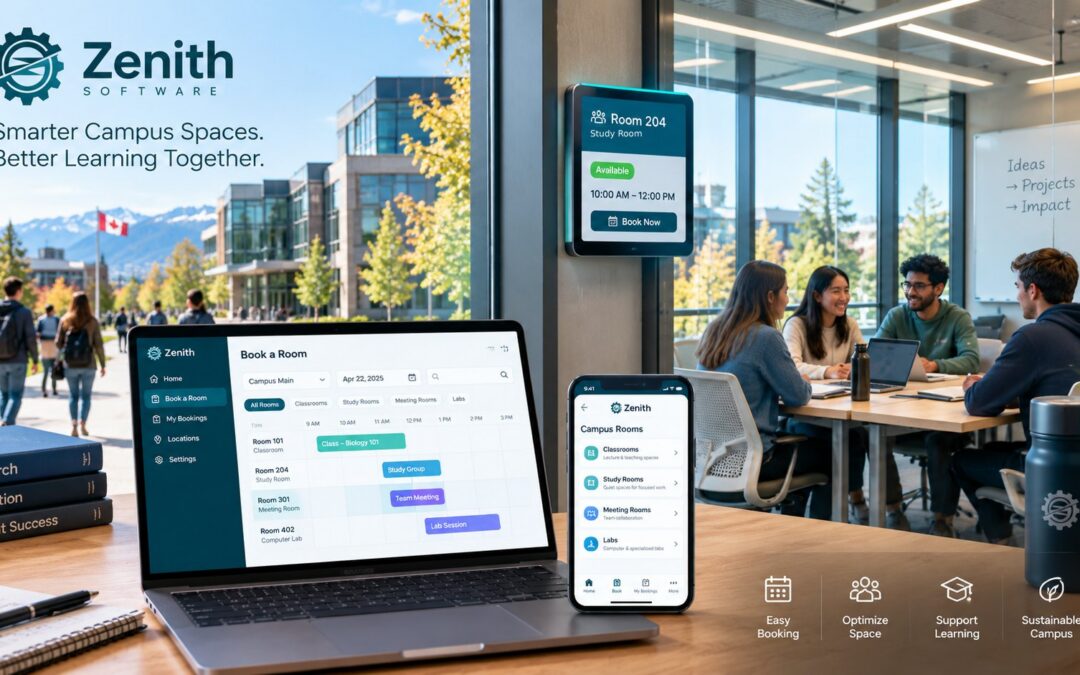
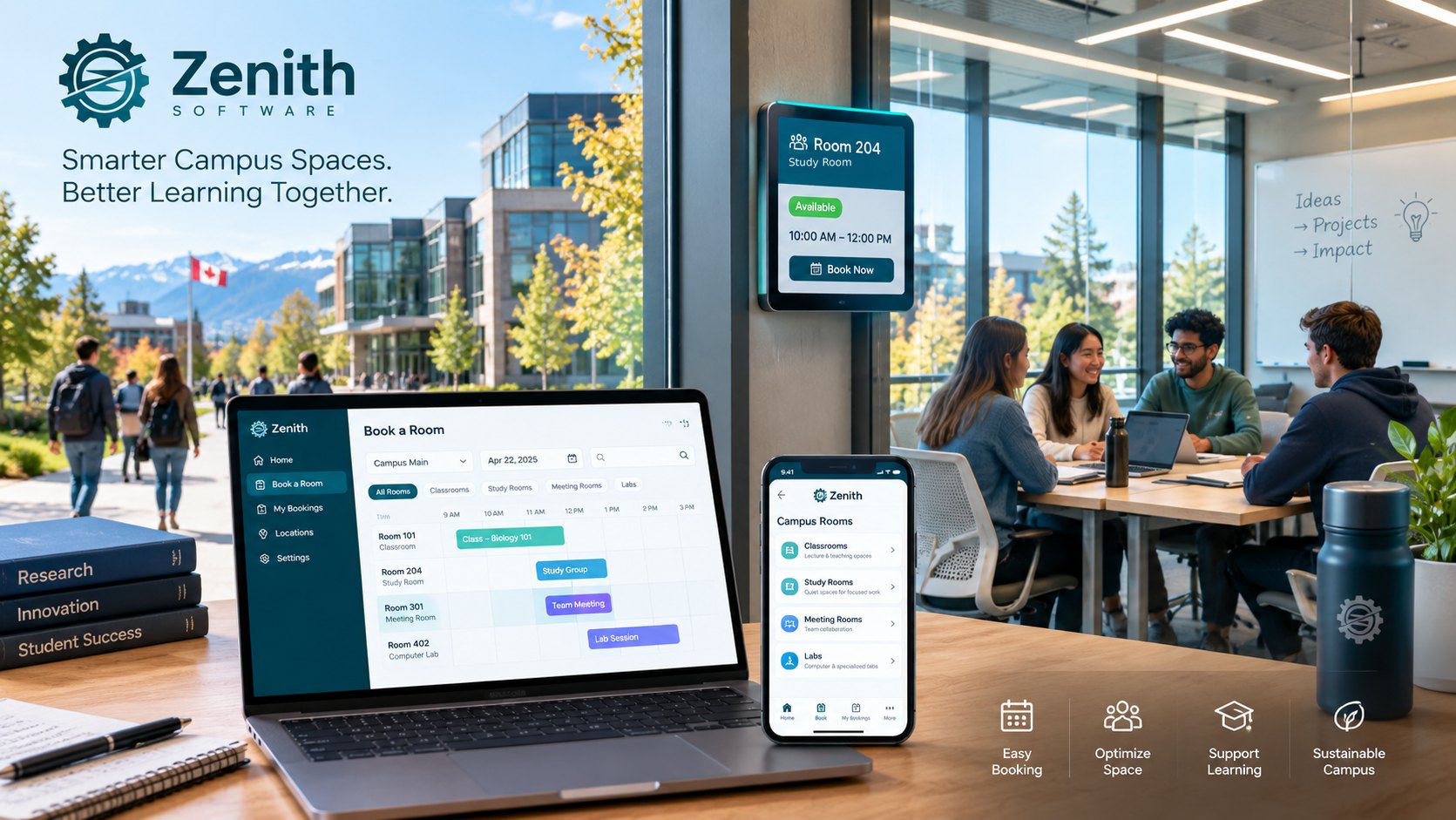
Campus room booking is harder than office room booking. A Canadian university or college has classrooms, labs, study rooms, event halls and meeting rooms spread across several buildings, sometimes several campuses. Students, faculty, staff and outside groups all want them, often at the same time. This guide explains what campus room booking software needs to do, which Canadian rules apply to colleges and universities, and how to roll it out without disrupting the academic year.
Why campus room booking is different
An office mostly books meeting rooms for employees. A campus, on the other hand, has at least four different groups booking space:
- The registrar or timetabling office, which assigns classrooms to courses for the term.
- Faculty and staff, who book meeting rooms, labs and seminar rooms for one-off sessions.
- Students and student groups, who book study rooms and spaces for clubs and events.
- Outside groups, who rent halls, gyms and classrooms in the evenings and in summer.
Each group needs different rules. For example, a student may book a study room for two hours, while an outside group needs approval, a contract and sometimes a fee. As a result, a single “first come, first served” calendar does not work on campus.
What campus room booking software should include
One register for every building
Every bookable space should sit in one register, organized by campus, building and floor, with its capacity and equipment. This way, people search by what they need, such as “a room for 30 with a projector near the library”, rather than by room number.
Campus room booking rules for each space and group
Campus room booking software should let you set different rules for each space type. For instance, study rooms might allow two hours and one week of advance booking, while event halls require approval and a buffer for setup and cleaning.
Check-in and automatic release for campus room bookings
Study rooms are the classic campus problem. A student books a room for the afternoon and never arrives, while others wander the halls looking for space. Check-in with automatic release returns the room to the plan after a short grace period. Our article on no-shows shows how much capacity this can recover.
Floor plans and an accessible list view
Students and visitors often do not know the building. A floor plan helps them find the room, while a list view gives screen reader users the same information. See our guide to accessible booking systems.
Visitor management for events and outside groups
When outside groups come on campus, someone needs to know who is in the building. Visitor management with invitations, approvals and a check-in kiosk keeps that record without a paper sign-in sheet.
Utilization reports for space planning
Finally, colleges and universities regularly review how they use space before they build or renovate. Booking data shows which rooms are busy, which sit empty and on which days. Our guide on calculating space utilization explains how to produce a figure you can defend.
Campus room booking and the timetable
Most institutions already have a system that assigns classrooms to courses. Campus room booking software usually does not replace it. Instead, it handles everything outside the timetable: meetings, study rooms, events, labs and external rentals. The practical question is how the two systems share rooms, so that a classroom assigned to a course is not offered for an event at the same time. Ask every vendor to explain exactly how they handle this, and test it with your own rooms.
Canadian rules for colleges and universities
Privacy rules for campus room booking
Booking records include names, times and locations, so privacy law applies. In Ontario, universities have been covered by the Freedom of Information and Protection of Privacy Act (FIPPA) since June 10, 2006. In British Columbia, the 2021 amendments to the province’s privacy act removed the strict rule that public bodies store personal information only in Canada. However, storing it outside Canada will usually call for a privacy impact assessment. For these reasons, many institutions still prefer software hosted in Canada.
Accessible campus room booking
In Ontario, designated public sector organizations, which include colleges and universities, must make their websites and web content meet WCAG 2.0 Level AA, with a few exceptions. That includes the booking pages students and staff use.
Campus room booking in French
Francophone and bilingual institutions, and every institution in Quebec, need booking screens, confirmations and reminders in French. Check that the French version is complete, not just a translated menu.
Procurement
Ontario colleges and universities are part of the broader public sector and follow the BPS Procurement Directive when they buy. Our article on the BPS Procurement Directive for booking systems explains what an evaluation usually asks.
How to roll out campus room booking
- Start between terms. Summer or the December break gives you time to set up before the rush.
- Begin with one building or one space type. Study rooms are a good first step, because the problem is visible and the rules are simple.
- Agree on the rules with each group. Involve student services, the registrar, facilities and events before you go live.
- Turn on check-in from day one. It is much easier to start with check-in than to add it after people get used to holding rooms.
- Review after the first month. Look at no-shows and peak hours, then adjust the rules.
Campus room booking in Zenith
Zenith Workplace keeps every space in one register by site, building and floor, with booking from your own floor plans, house rules per space type and site, check-in with automatic release, and utilization and no-show reports. Visitor management is included, and Equipment Reservation for projectors, vehicles and lab gear is available as an add-on. Zenith works in English and French, is hosted in Canada and is built to WCAG 2.2 AA.
Because Zenith also runs maintenance, a broken projector or a damaged room can go straight to the facilities team on the same platform. Our article on maintenance software for schools and universities covers that side.
Zenith does not replace your course timetabling system. Instead, it handles meetings, study rooms, events and other bookings outside the timetable.
Questions people ask
Can students book rooms themselves?
Yes, if you allow it. Most institutions let students book study rooms directly, while event spaces need approval.
Can outside groups book campus rooms?
They can, usually through a request that staff approve. Visitor management then records who is on campus during the event.
Does campus room booking software replace the timetable?
Usually not. The timetable assigns classrooms to courses for the term, and room booking software handles the remaining bookings.
Where to start
First, choose one building and the type of room that causes the most complaints. Then book a demo with your floor plan, or read our complete guide to room booking software in Canada.
This article is general information, not legal advice. Privacy, accessibility and procurement obligations depend on your province and your institution, so check them with your own advisers.
Sources
- University of Toronto Governing Council, About FIPPA
- Lawson Lundell, The new changes to FOIPPA: highlights of what BC public bodies need to know
- Government of Ontario, How to make websites accessible
- Government of Ontario, Broader public sector accountability