



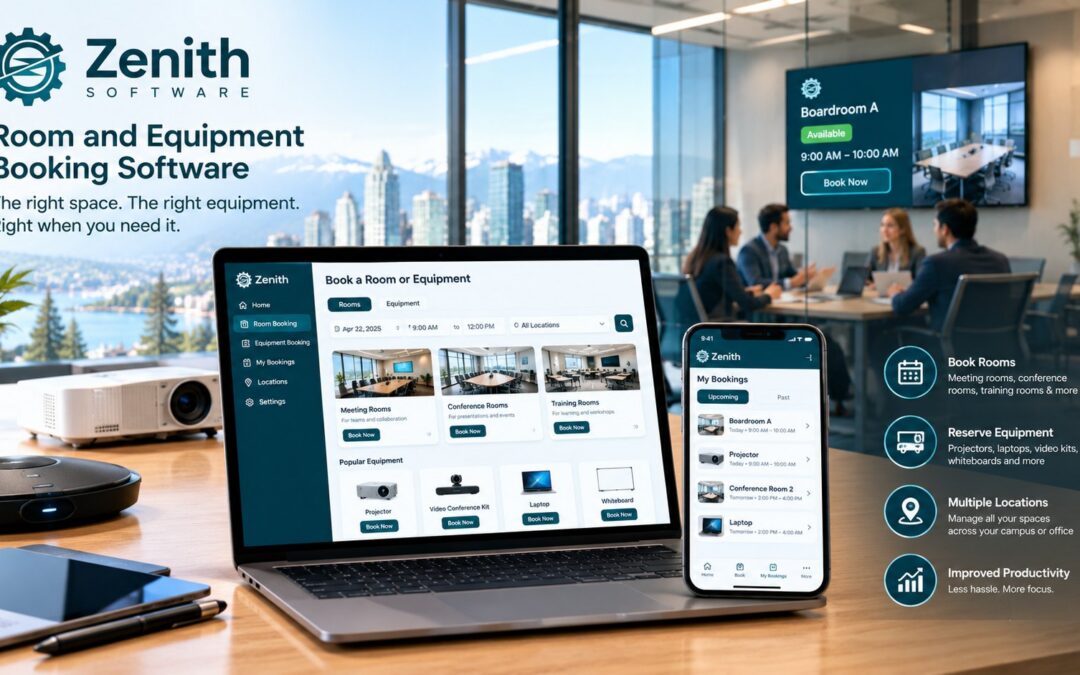
Equipment booking software lets people reserve shared equipment, such as projectors, laptops, vehicles and lab instruments, the same way they reserve a room. In many organizations, the room and the equipment are booked in two different places: the room in a calendar and the equipment on a sign-out sheet at the front desk. As a result, a meeting gets its room but not its projector, and a pool vehicle leaves without anyone knowing when it will come back. This guide explains what equipment booking software should do, why it works best alongside room booking, and what to check before you buy.
What equipment booking software does
At its core, equipment booking software keeps a register of shared items and a calendar for each one. In addition, a good system handles the steps that a sign-out sheet cannot:
- Approval for items that need it, such as a vehicle or an expensive instrument.
- Pickup and return, so you know who has the item now and when it is due back.
- Conflicts, so two people cannot book the same projector for the same hour.
- History, so you can see how often each item is used and whether you need more, or fewer, of them.
In short, the goal is simple: anyone should be able to answer “where is it, who has it and when is it free?” without walking to the storeroom.
What people book with equipment booking software
The list depends on the sector. However, most Canadian organizations share a similar set of items:
- Audio-visual equipment: projectors, portable screens, conference cameras and speaker phones.
- Laptops and tablets for training sessions, visitors or field staff.
- Pool vehicles for municipalities, school boards, health authorities and utilities.
- Lab and research instruments in colleges, universities and hospitals.
- Event equipment such as tables, chairs, staging and signage for community rooms.
- Specialized tools that several teams share but nobody owns.
Why room and equipment booking belong together
Most equipment is booked for a reason, and the reason is usually a meeting, a class or an event in a particular room. For example, a training session needs the training room, twelve laptops and a projector at the same time. If the room and the equipment live in separate systems, someone has to check both and hope nothing changes. One system solves three problems at once:
- One booking, everything ready. The person books the room and adds the equipment in the same step.
- Changes flow through. If the meeting moves to Thursday, the equipment moves with it, instead of sitting reserved for a meeting that no longer happens.
- One history. Facilities can see which rooms and which items are in demand, and on which days.
For the room side of this decision, see our complete guide to room booking software in Canada.
Features to look for in equipment booking software
The table below lists the features that make the biggest difference in daily use, together with a question to ask in each demo.
| Feature | Why it matters | Question to ask in the demo |
|---|---|---|
| Item register with categories | People search by type, not by asset tag | Can someone search for “any projector on Floor 3” rather than a specific unit? |
| Approval rules per item type | A vehicle needs a sign-off; a cable does not | Can we require approval for vehicles only? |
| Pickup and return | You need to know who has the item right now | What happens when an item is not returned on time? |
| Booking with a room | Equipment usually supports a meeting or class | Can someone add equipment while booking the room? |
| Usage reports | You may have too many of one item and too few of another | Can we see bookings per item per month? |
| Bilingual screens and notices | Required or expected in many Canadian organizations | Are confirmations and reminders available in French? |
Canadian points to check
Equipment booking software stores personal information, because every booking records a person, a time and often a location. Therefore, the same questions apply as for room booking: where the data is hosted, whether the screens work in French, and whether the booking pages meet accessibility rules such as Ontario’s web accessibility requirements. Our room booking guide explains each of these in detail.
Pool vehicles add one more point. Many organizations keep a record of who drove which vehicle and when, for example to answer questions about a fine or an incident. Equipment booking software with pickup and return gives you that record automatically, instead of a paper logbook in the glovebox.
How to set up equipment booking in three steps
- List what people actually share. Start with the items that cause arguments or go missing, rather than every asset you own.
- Set one rule per item type. For instance, decide which types need approval, how long a booking may run and where people collect and return each item.
- Connect it to the rooms. Let people add equipment when they book a room, then review usage after the first month.
Equipment booking in Zenith
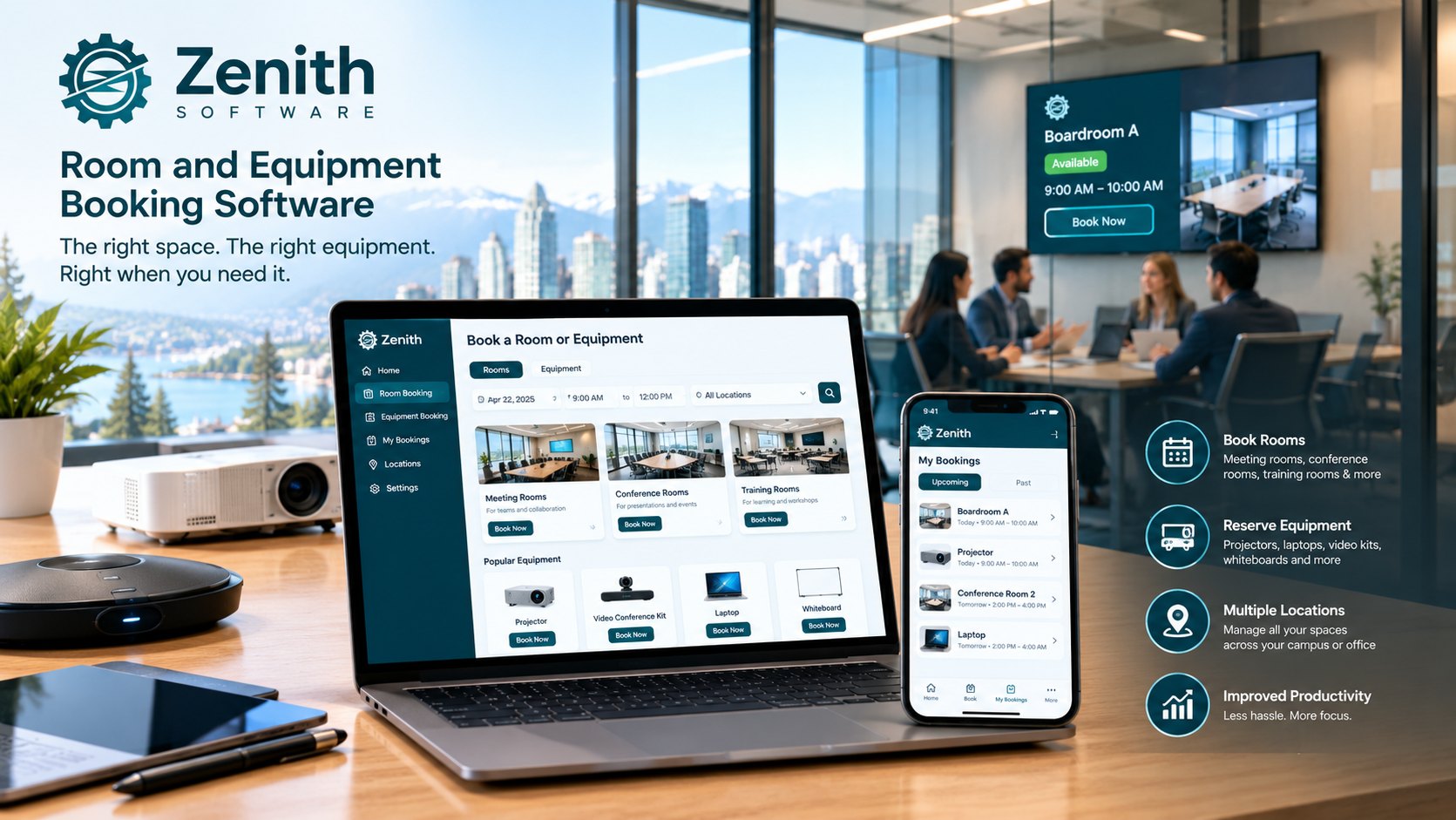
Zenith Workplace handles rooms, desks and other spaces from one register, with house rules, check-in and utilization reports. On top of that, Zenith offers Equipment Reservation as an optional add-on to Space Management, covering projectors, vehicles and lab gear with approvals, pickup and return. You can see how the add-on fits with each edition on the pricing page, in Canadian dollars.
Because Zenith also runs maintenance, the people who book equipment and the people who maintain it work from the same platform. For more on that side, see asset management in Zenith.
Questions people ask
Is equipment booking software the same as asset management?
No. Asset management tracks what you own, where it is and how it is maintained. Equipment booking software lets people reserve shared items for a period of time. Many organizations need both, and they work best when they share the same list of items.
Can we book a room and equipment together?
Yes, and you should be able to. Ask every vendor to show a single booking that includes a room and two items, and then move it to another day.
Do small organizations need equipment booking software?
Not always. If five people share two projectors, a shared calendar may be enough. Once you have pool vehicles, several buildings or items that go missing, a proper system usually pays for itself in time saved.
Where to start
First, pick the three items people argue about most. Then book a demo and ask us to show those items booked together with a room. For the wider picture, read our guides to room booking software and choosing a meeting room booking system.