


Downtime isn’t just lost hours—it’s lost revenue, stressed teams, and missed opportunities. A Computerized Maintenance Management System (CMMS) helps you tackle unplanned outages head-on by automating key maintenance workflows and surfacing data you can act on immediately. This article walks through six practical steps to shrink downtime using a CMMS.
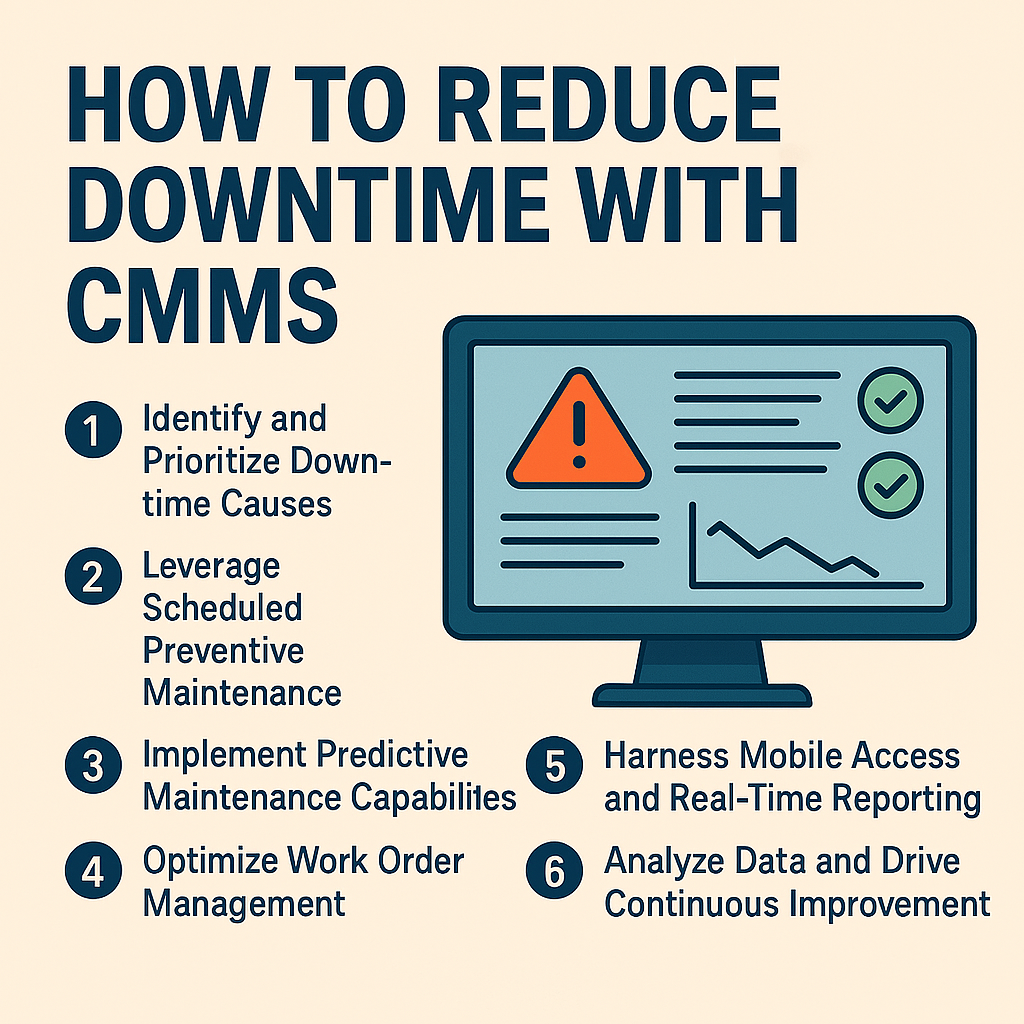
1. Identify and Prioritize Downtime Causes
Start by mapping out why equipment fails or stalls. Common culprits include mechanical wear, electrical faults, operator error, and supply shortages. Use your CMMS to log every incident and categorize it by root cause, duration, and impact. Once you see patterns, you can target the highest-impact problems first.
2. Leverage Scheduled Preventive Maintenance
Preventive maintenance (PM) is your first line of defense against routine failures. With a CMMS, you can:
- Define PM tasks for each asset with clear instructions
- Automate calendar-based or runtime-based triggers
- Send technicians reminders before tasks are due
- Track completion rates and overdue work in real time
This proactive approach stops many breakdowns before they happen.
3. Implement Predictive Maintenance Capabilities
When you’re ready to go beyond calendars, predictive maintenance uses condition data to flag issues early. Integrate sensors or IoT devices into your CMMS to monitor vibration, temperature, and oil quality. Configure thresholds so alerts fire only when anomaly patterns emerge. This data-driven method catches hidden faults and extends asset life.
4. Optimize Work Order Management
A CMMS centralizes every request and dispatch. To streamline work orders:
- Create standardized forms to ensure technicians capture the right details
- Assign priority levels so critical assets get attention first
- Automate approval workflows to cut red tape
- Attach manuals, photos, and schematics directly to orders
Faster, more organized work orders mean quicker fixes and less downtime.
5. Harness Mobile Access and Real-Time Reporting
Equipping technicians with a mobile CMMS app transforms response time. On the shop floor they can:
- Pull up asset history without returning to a desk
- Update status as they go, eliminating paperwork delays
- Scan barcodes or RFID tags to pull up records instantly
- Receive push notifications for urgent tasks
Meanwhile, supervisors monitor dashboards and catch bottlenecks before they spiral into outages.
6. Analyze Data and Drive Continuous Improvement
A CMMS is a goldmine of maintenance metrics. Regularly review:
- Mean Time to Repair (MTTR) and Mean Time Between Failures (MTBF)
- Work order completion rates and backlog trends
- Cost per repair and spare-parts usage
Use root-cause analysis for repeat failures and tweak PM schedules based on real performance. This data-informed cycle sharpens reliability over time.
Building Your Real-Time Downtime Dashboard
- Metrics to track
- Mean Time Between Failures (MTBF)
- Mean Time To Repair (MTTR)
- Work order backlog and overdue percentages
- Visualization elements
- Trend lines for failure rates over time
- Gauge widgets highlighting current MTTR vs. targets
- Heat maps showing hotspots by asset or location
- Alert configurations
- Threshold-based push notifications for MTTR spikes
- Escalation rules when critical assets exceed down-time limits
- Continuous refinement
- Review monthly reports to update thresholds
- Adjust widget layouts based on team feedback
This dashboard will surface brewing issues before they escalate into major outages.
Next Steps
Ready to slash downtime in your facility? Start by auditing your current maintenance processes and select a CMMS that fits your asset complexity and budget. Consider running a pilot on one critical production line to validate ROI before a full rollout.
Looking for more? Contact us today!


