


Moving offices or employees across Canada is more than packing boxes—it’s orchestrating a complex dance of logistics, compliance, and human factors. A solid move management strategy keeps projects on time, under budget, and lets your team hit the ground running. This guide dives into why move management matters in Canada and how to master every step of the journey.
Why Move Management Matters in Canada
Relocating facilities or personnel without a roadmap leads to soaring costs, downtime, and frustrated employees. In the Canadian landscape:
- Vast distances amplify transportation expenses and scheduling risks
- Seasonal extremes—from icy winters to sticky summers—can delay moves
- Provincial regulations, union agreements, and bilingual requirements add layers of complexity
A centralized move program ties together stakeholders, vendors, and employees to ensure a smooth transition, protect your bottom line, and maintain morale.
Unique Canadian Challenges
- Geographic Spread
Coordinating coast-to-coast moves demands precise timing and carrier expertise to avoid costly delays. - Bilingual & Regional Regulations
Quebec’s French documentation laws, varying provincial labor standards, and local permitting add compliance steps. - Seasonal Constraints
Peak moving season (May–September) drives up rates, while winter weather can halt road transport and complicate on-site work. - Tax & Financial Implications
Cross-provincial moves trigger tax withholding rules, relocation allowances, and potential GIC requirements for international hires. - Cultural Considerations
Regional work cultures influence communication styles, vendor expectations, and internal change-management tactics.
Key Components of Effective Move Management
- Planning & Timeline
Define project milestones, critical path activities, and contingency buffers. - Budgeting & Cost Control
Forecast vendor quotes, internal labor, and hidden fees like storage or insurance. - Vendor Selection & Coordination
Engage carriers, riggers, IT installers, and cleaners with clear scopes and performance metrics. - Employee Communication
Provide relocation packages, guides, and points of contact to reduce stress and ensure buy-in. - Compliance & Documentation
Automate permitting, bilingual signage, and safety audits to meet provincial and federal requirements. - Technology & Tracking
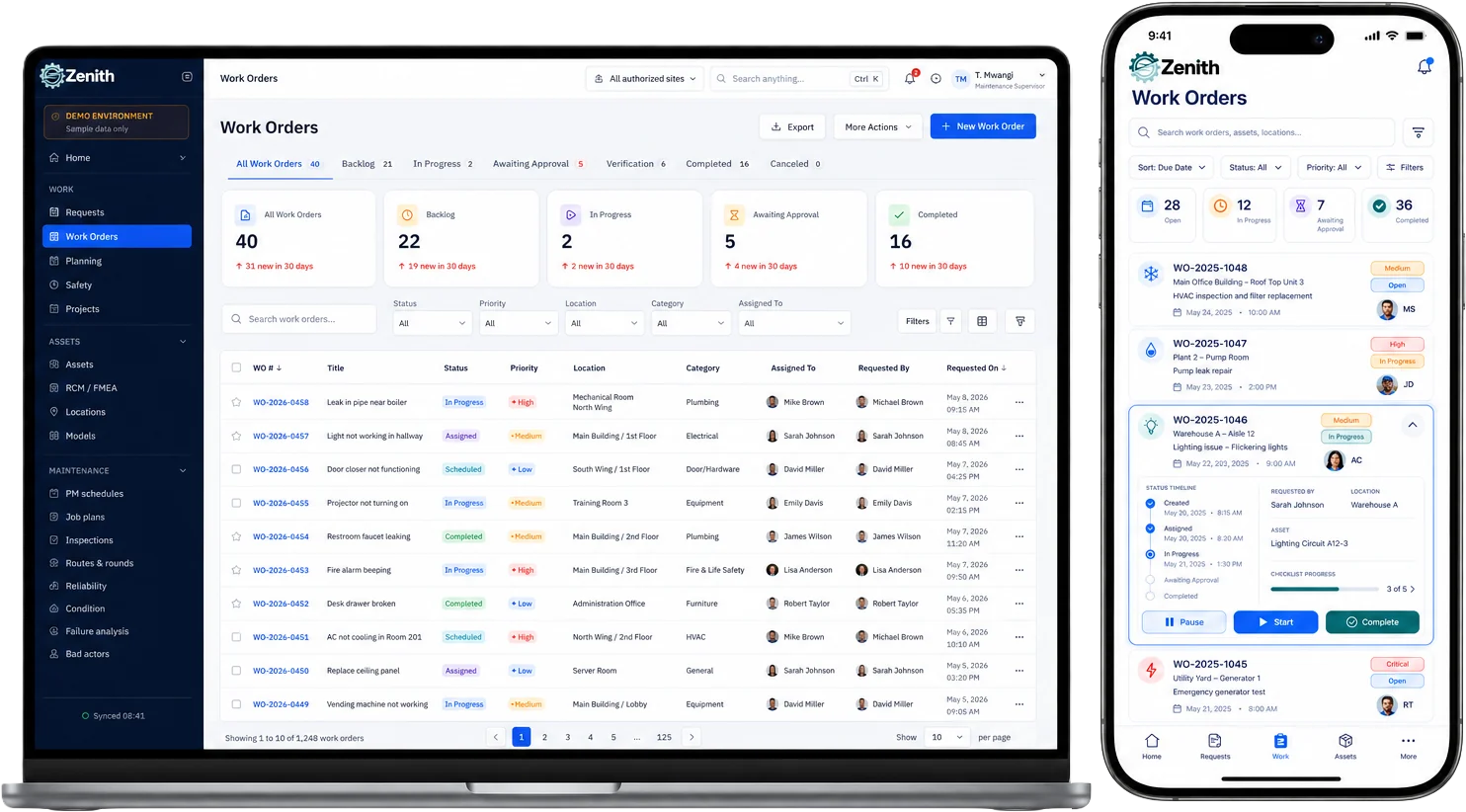
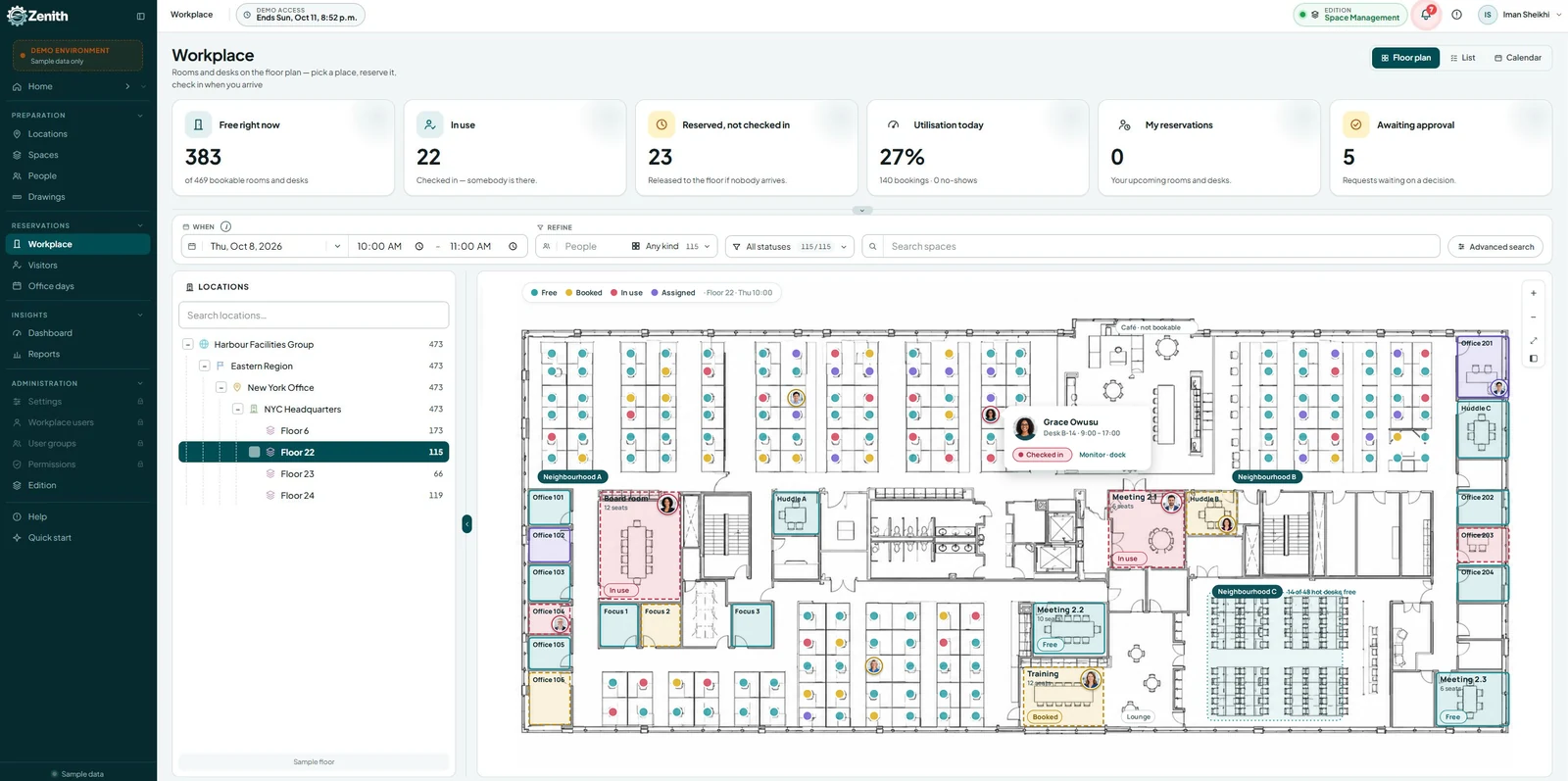
Use move-management software to centralize tasks, track shipments, and generate real-time dashboards.
Step-by-Step Move Management Process
- Conduct Needs Assessment
Survey space requirements, headcounts, and technical dependencies before scoping the move. - Develop Move Plan
Create a Gantt chart covering packing, transport, IT setup, and post-move validation. - Select & Contract Vendors
Issue RFPs, evaluate costs, negotiate SLAs, and secure backup providers for critical tasks. - Communicate Internally
Launch an employee portal, send weekly updates, and host Q&A sessions to address concerns. - Inventory & Packing
Tag assets, box personal items, and schedule IT shutdowns to minimize downtime. - Transportation & Installation
Coordinate lifts, trucks, and site deliveries with precise time windows and weather contingencies. - Post-Move Review
Audit deliveries, validate IT functionality, collect employee feedback, and close out vendor invoices.
Bilingual Communication & Documentation
- Provide move guides, site maps, and safety notices in English and French
- Label boxes, work orders, and digital workflows with dual-language prompts
- Offer bilingual help-desk support during critical phases
Ensuring everyone’s on the same page in both official languages promotes compliance and fosters inclusivity.
Seasonal Timing: Plan Around Canada’s Climate
| Season | Pros | Cons |
|---|---|---|
| Spring (Mar–May) | Moderate rates, thawing roads | Rain delays, peak demand late May |
| Summer (Jun–Aug) | Long daylight, high availability | Highest rates, potential heat waves |
| Fall (Sep–Nov) | Lower demand, cooler weather | Shorter days, risk of early snowstorms |
| Winter (Dec–Feb) | Off-peak rates, flexible vendors | Ice, road closures, indoor install risks |
Aim for shoulder seasons (late spring or early fall) to balance cost, weather, and vendor availability.
Best Practices for Canadian Move Success
- Start Early
Kick off planning 6–9 months before your target move date. - Engage Cross-Functional Teams
Involve facilities, HR, IT, finance, and legal to cover every angle. - Build in Contingencies
Allocate 15% time and 10% budget buffers for unexpected roadblocks. - Keep Employees Centered
Offer moving stipends, flexible schedules, and clear channels for questions. - Review & Iterate
Conduct a post-move lessons-learned session and update your toolkit for the next relocation.
Moving across provinces or upgrading to a state-of-the-art office doesn’t have to be a logistical nightmare. With a robust move management framework tailored to Canada’s unique landscape, you’ll reduce costs, minimize downtime, and keep your team energized. Start mapping your next move today—and turn every relocation into a competitive advantage.