

Integrating facility management software with the rest of your workplace ecosystem is no longer a “nice to have.” It’s an operational imperative. When your FM platform communicates flawlessly with calendars, IoT sensors, HR systems, and project management tools, you unlock productivity gains, cost savings, and a superior occupant experience. In a world that demands agility, real‐time data, and cross-functional collaboration, disjointed systems create friction, delays, and frustrating manual workarounds.
In this comprehensive guide, you’ll discover why seamless integration matters, what benefits it drives, the key integration points every organization should consider, common pitfalls to avoid, and best practices for a successful rollout. We’ll also examine real-world examples and explore future trends that will shape the next generation of FM-tool interoperability.
Understanding Facility Management Software
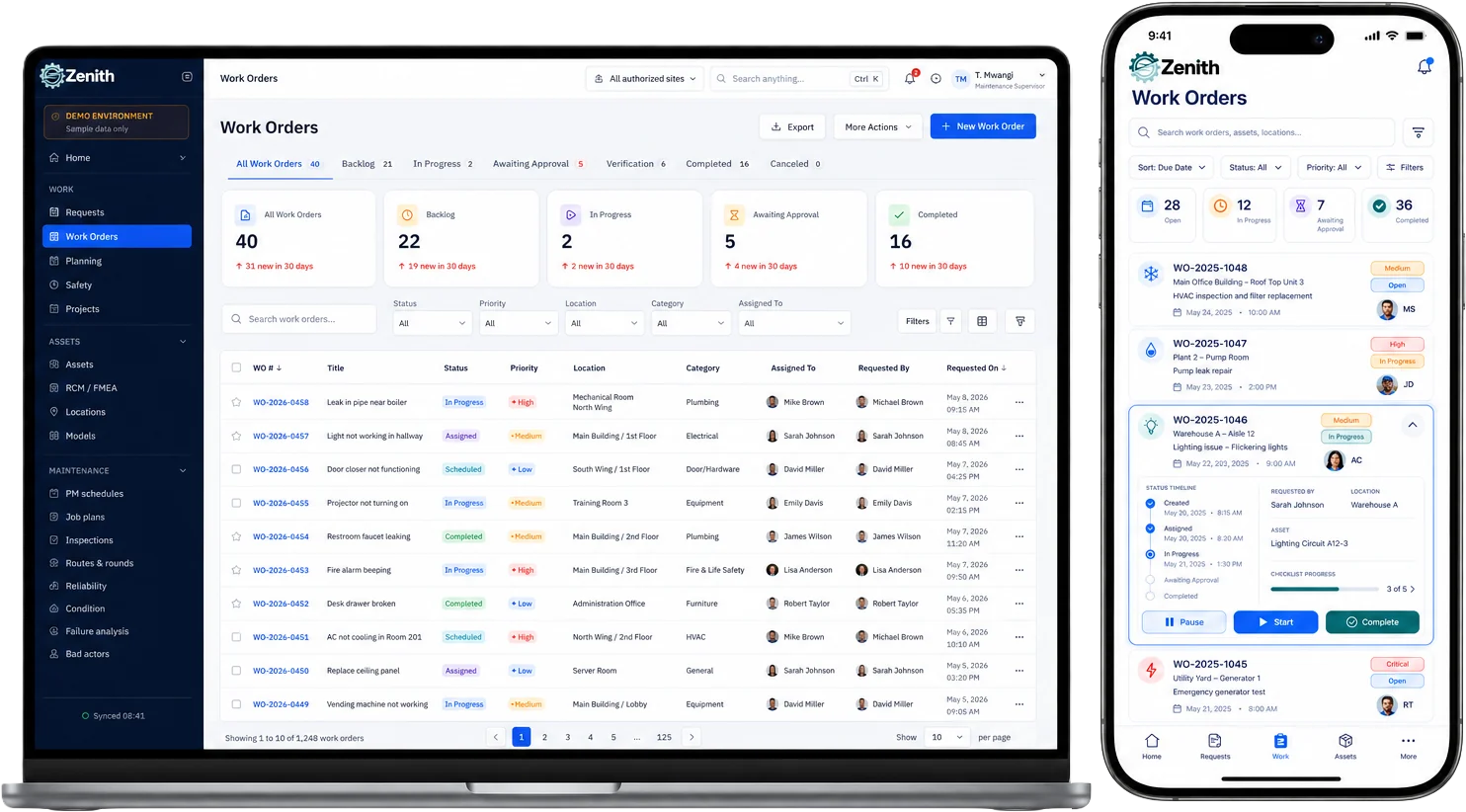
Facility management (FM) software is designed to help organizations plan, manage, and optimize their physical assets and real estate portfolios. Core capabilities typically include:
- Computerized Maintenance Management (CMMS)
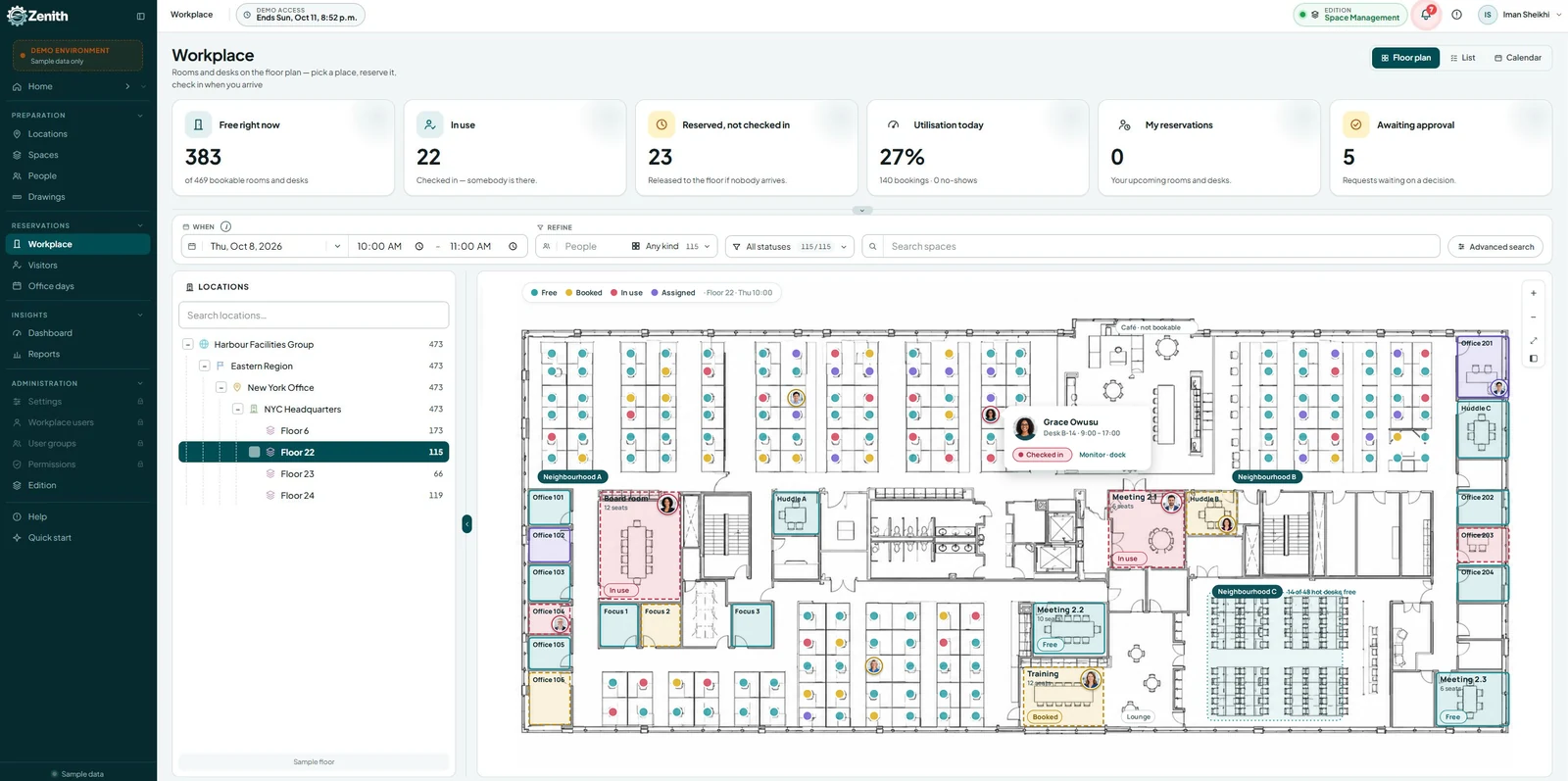
- Space planning and occupancy analytics
- Asset tracking and lifecycle management
- Room and resource booking
- Preventive and predictive maintenance scheduling
When implemented in isolation, FM software can still streamline work orders and centralize asset data. But the true power emerges when it plugs into the broader workplace technology stack, enabling data sharing, process automation, and unified reporting.
The Modern Workplace Ecosystem
Today’s workplace relies on a constellation of digital tools. Key components include:
- Communication platforms (Slack, Microsoft Teams, email)
- Calendar and scheduling tools (Google Calendar, Outlook)
- Project and task management (Asana, Jira, Trello)
- Internet of Things (IoT) and building automation systems
- Human Resources Information Systems (HRIS)
- Enterprise Resource Planning (ERP) systems
Each tool generates valuable data. When these systems remain siloed, FM teams miss critical context—leading to double‐booked rooms, delayed maintenance, and poor space utilization. Integrating FM software into this ecosystem ensures every desk, sensor, and help-desk ticket contributes to a cohesive, data-driven strategy.
Benefits of Seamless Integration
- Improved Productivity
- Automated work order creation from help-desk requests
- Instant room availability updates in booking calendars
- Data Accuracy and Consistency
- Single source of truth for asset records
- Avoids manual data reconciliation across systems
- Enhanced Occupant Experience
- Real-time wayfinding and desk-hoteling
- Personalized space reservations based on employee profiles
- Data-Driven Decision Making
- Unified dashboards combining FM metrics with HR and occupancy data
- Actionable insights for real estate optimization
- Cost Savings
- Reduced overtime and emergency maintenance
- Optimized energy usage through demand-response integrations
Key Integration Points
| Integration Area | Typical Use Cases |
|---|---|
| Calendar & Scheduling | Sync room bookings, auto-schedule preventive maintenance |
| CMMS & Helpdesk | Convert support tickets into work orders instantly |
| IoT & Building Automation | Trigger alerts based on sensor readings, adjust HVAC/lighting |
| HRIS & Access Control | Auto-provision desk assignments, link access logs to occupancy |
| BIM & Space Management | Update floor plans dynamically, visualize real-time usage |
| Analytics & Dashboards | Combine FM KPIs with occupancy and financial metrics |
Each integration point drives measurable improvements when configured correctly. For example, integrating calendar systems with FM eliminates ghost meetings and prevents maintenance crews from interrupting booked events.
Common Challenges to Watch For
- Data Silos and Inconsistent Formats
Different systems use varied identifiers for assets and employees, leading to mismatches. - Legacy Systems Without Modern APIs
Older equipment or databases may not natively support REST or SOAP endpoints. - Security and Compliance
Integrations must adhere to GDPR, SOC 2, and other regulations when exchanging personal data. - Change Management and User Adoption
Staff may resist new processes unless benefits are clearly communicated and training is provided. - Complexity of Middleware
Selecting and maintaining an integration platform can introduce its own overhead.
Best Practices for Integration Success
- Choose Open APIs and Standards
Favor software vendors that support RESTful APIs, Webhooks, or industry standards like BACnet and IFC. - Leverage an Integration Platform (iPaaS)
Middleware like MuleSoft, Zapier, or Microsoft Power Automate can simplify data transformations and routing. - Define Clear Data Governance
Establish naming conventions, data ownership, and quality checks before syncing systems. - Start with a Pilot Program
Integrate one or two use cases (e.g., room booking + calendar sync) to validate ROI and workflows. - Engage Stakeholders Early
Include FM staff, IT, HR, and end users to align requirements and reduce resistance. - Monitor and Iterate
Use analytics to track integration performance and refine rules based on user feedback.
Real-World Examples
Company Alpha: Calendar-to-Work-Order Automation
After integrating their meeting calendar with CMMS, Company Alpha saw a 30% reduction in emergency maintenance calls. When a projector failed during a presentation, a ticket in the help-desk automatically created a high-priority work order, mobilizing the tech team within minutes.
Organization Beta: IoT-Driven Predictive Maintenance
By linking vibration sensors on HVAC motors to their FM software, Beta moved from break-fix to predictive maintenance. They achieved a 25% drop in downtime and extended equipment life by 18 months.
Enterprise Gamma: Unified Facilities Dashboard
Gamma consolidated FM, HRIS, and energy management data into a single Power BI dashboard. Executives now track occupancy rates, maintenance backlog, and energy consumption side-by-side—enabling smarter lease renewals and space planning decisions.
Measuring the Impact
To quantify the value of seamless FM-tool integration, track these KPIs:
- Mean Time to Repair (MTTR)
- Percentage of Preventive vs. Reactive Maintenance
- Room Utilization Rates
- Cost per Work Order
- Employee Satisfaction Scores
Calculate ROI by comparing pre-integration metrics with post-integration performance. Many organizations recoup their integration investment within 6–12 months through reduced labor costs and improved asset uptime.
Future Trends in FM Integration
- AI-Powered Automation
Chatbots that auto-schedule maintenance and answer occupant queries in natural language. - Digital Twins
Virtual replicas of your building updated in real time from BIM and IoT. - Augmented Reality (AR) for FM
Technicians overlay digital asset history and instructions on physical equipment via AR glasses. - Advanced Predictive Analytics
Machine learning models that forecast equipment failure, occupancy trends, and space needs with high accuracy.
Conclusion
In an era defined by data and collaboration, facility management software cannot operate in a vacuum. Seamless integration with your workplace tools transforms FM from a back-office function into a strategic driver of efficiency, cost savings, and improved occupant satisfaction. By following best practices, addressing common challenges, and embracing emerging trends, you’ll ensure your FM ecosystem remains agile, scalable, and ready for tomorrow’s workplace demands.
Ready to harness the full potential of your facility management platform? Start by auditing your current toolset, identifying high-impact integration points, and piloting a calendar or IoT integration. Your future self—and your bottom line—will thank you.